Local AI on a ThinkPad that’s built to last.
The 2026 ThinkPad is built to stay useful for years to come. Since the AI runs on the laptop instead of the cloud, it keeps working without an Internet connection. And, the crucial parts that usually wear out first, are made to be replaced. So, every machine gets repaired instead of retired.
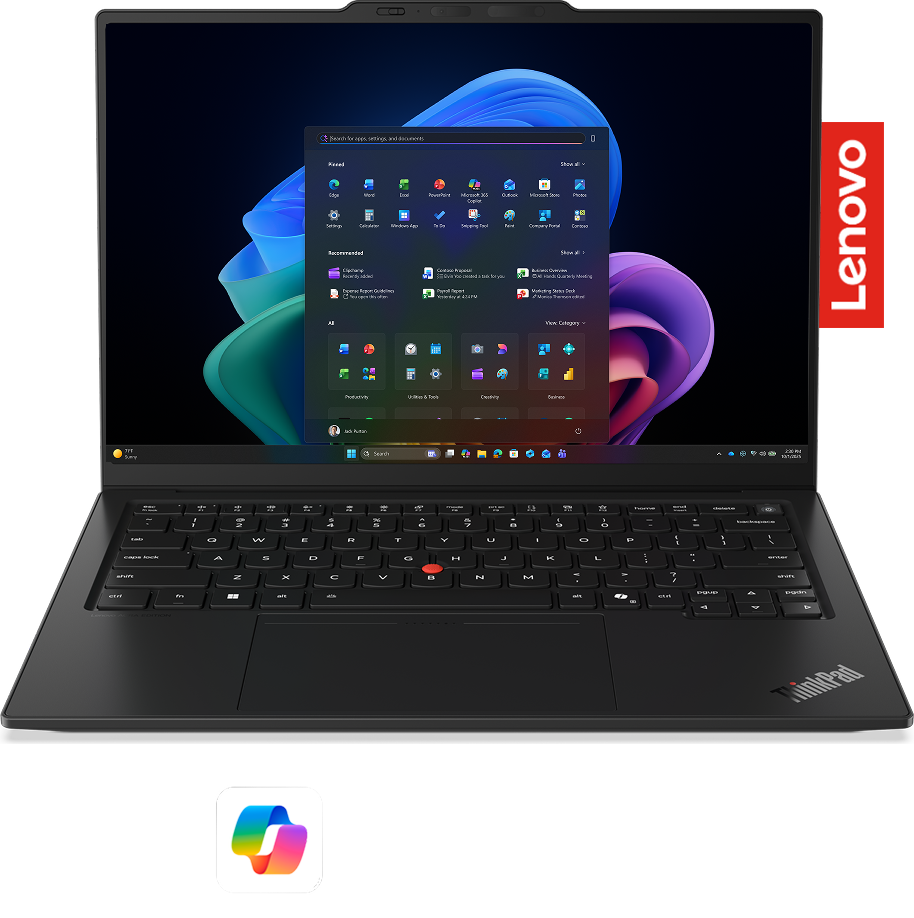
ThinkPad 2026 is built for three shifts in business computing.
The new line up is built around the changes reshaping how teams work, from on-device AI to hardware made for a longer life.
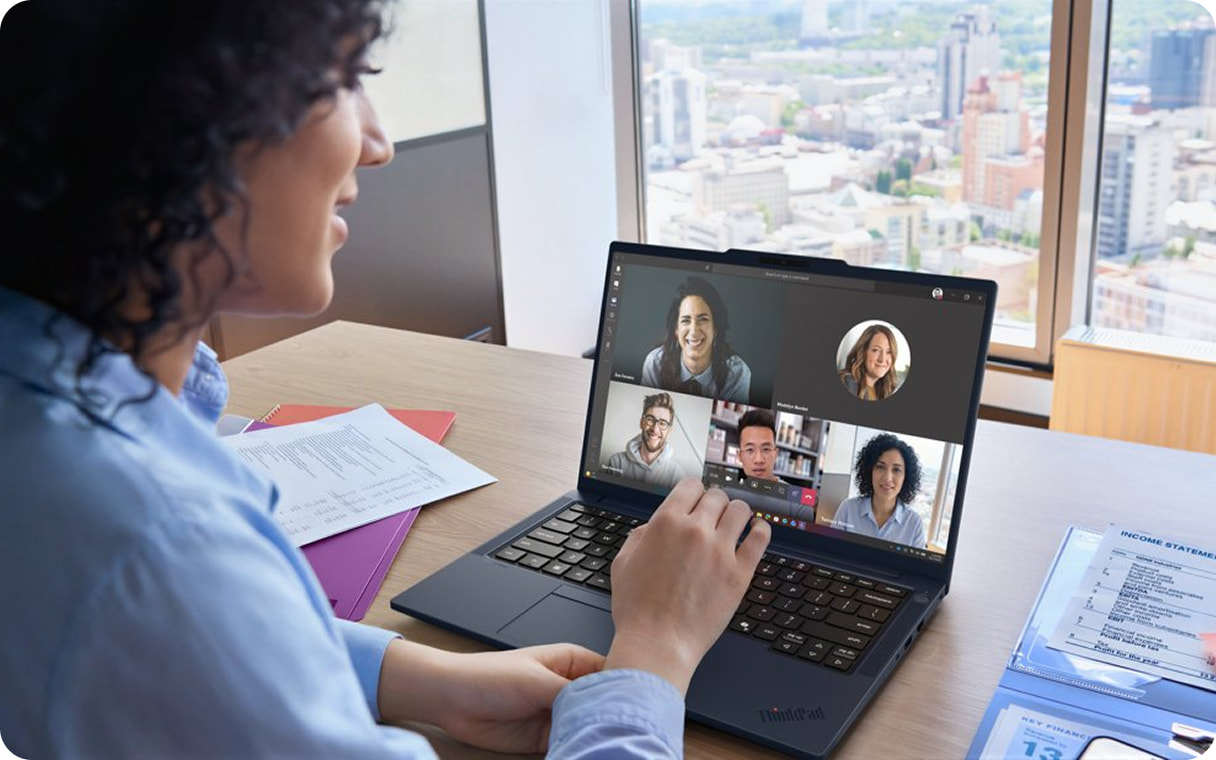
Running AI features on the laptop's own NPU instead of the Cloud is what makes them usable for private work, even with no Internet connection since every file and prompt they read, never leave the device. Making the AI safe to switch on even in the regulated or offline settings where Cloud AI services are off the table.
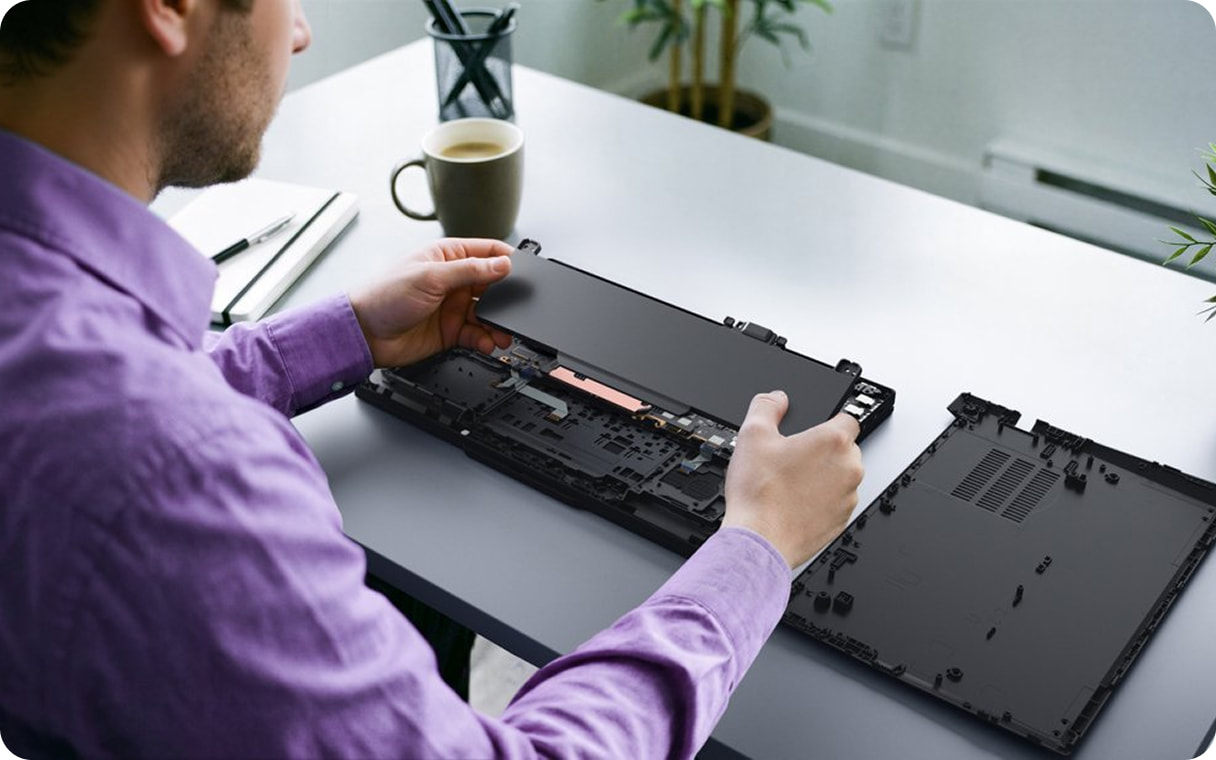
The T14 and T16 are the first ThinkPads to earn a 10/10 from iFixit, with the battery, USB-C ports, memory and fan all being user replaceable. While the ThinkPad X1 Space Frame adds a replaceable keyboard and ports to the ultralights.
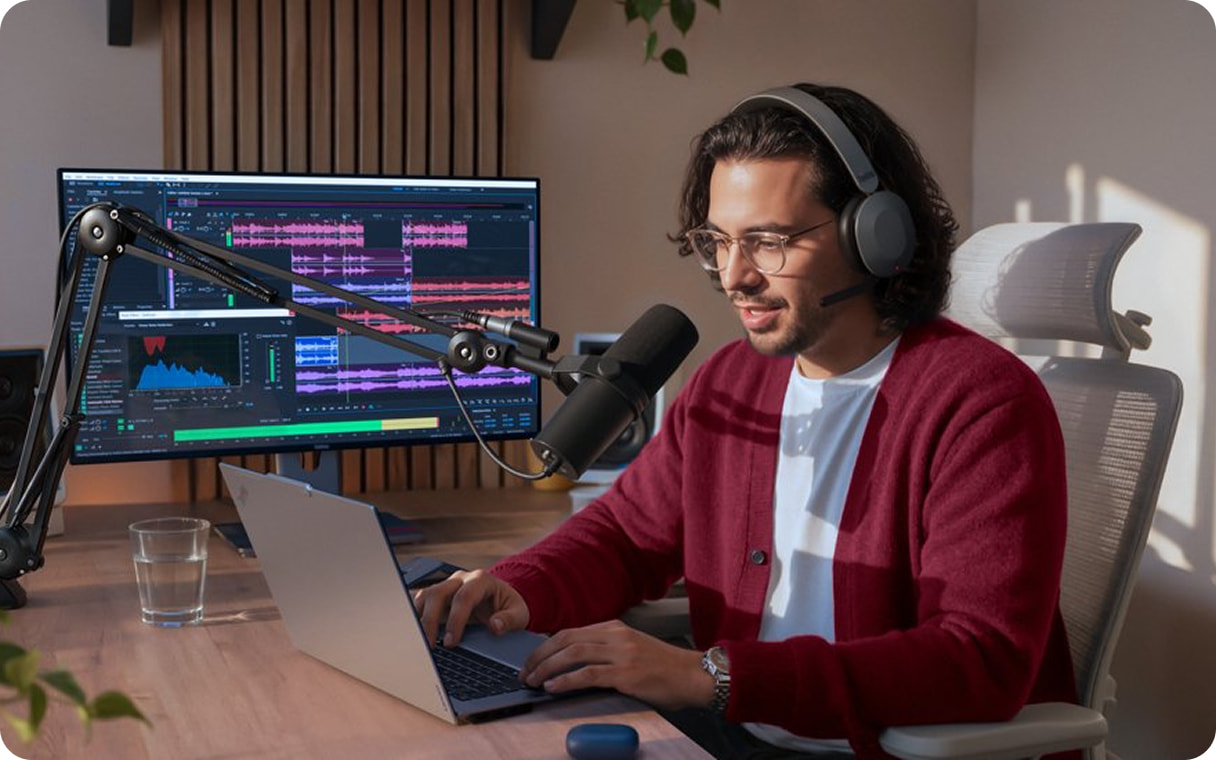
AMD's Gorgon adds about 30% more NPU throughput, 7 to 10% more graphics and an hour more battery than last year, while Intel's Panther Lake pairs a new architecture with Arc graphics Lenovo rates at GeForce RTX 4050 level.
A cleaner, more modern ThinkPad for 2026.
The 2026 line keeps the keyboard people trust and refines the chassis around it, with a modernized interior and a new colour.
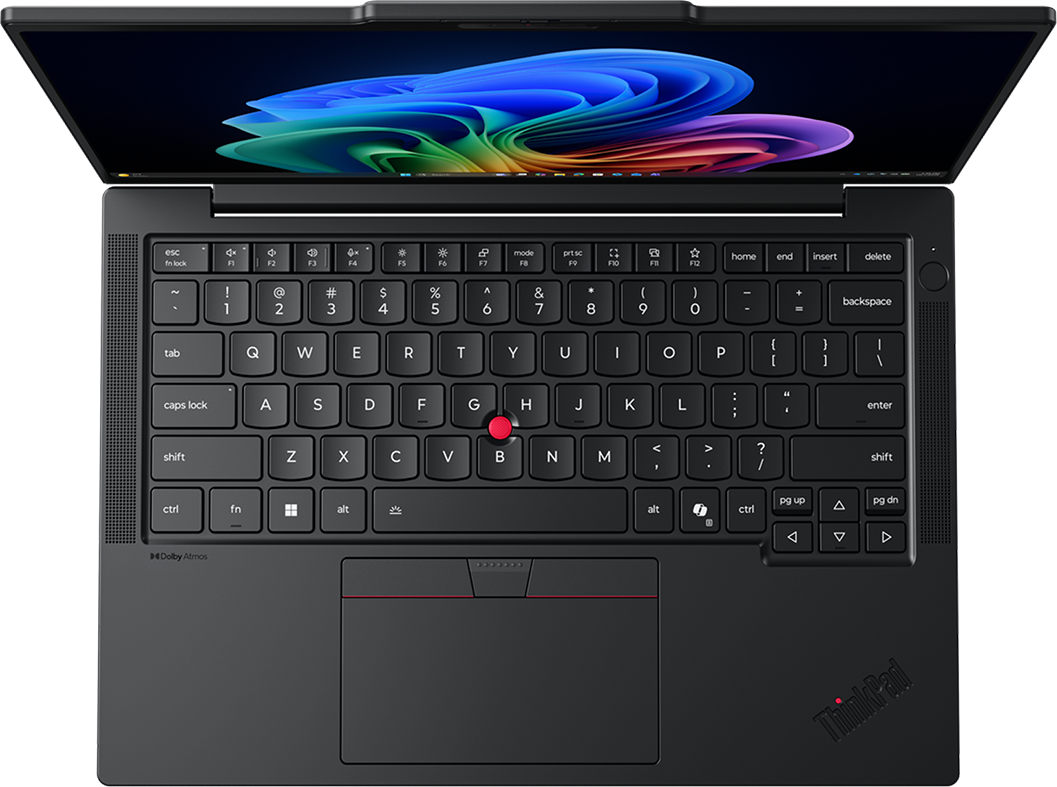
One-bar hinge
Centered characters
Rounded corners
The ThinkPad keyboard keeps its curved keys and soft-landing feel, now with a backlight across the range.
The AI runs on the NPU, at a fraction of the power.
Live captions, translation and the camera effects on calls run on the dedicated NPU rather than the processor or the graphics, which is what stops a full day of meetings and transcription from draining the battery.

Windows 11 AI features that run on the laptop through the NPU.
The new ThinkPads are Copilot+ PCs, so these AI features run on the laptop through the NPU. The three below come up most in everyday work.

Windows Studio Effects runs on the NPU through every call, keeping you framed as you move, holding your eye line to the camera and stripping out the open-plan noise behind you. Because that work sits on the NPU and not the processor, the call stays smooth and the battery goes further than a software filter would allow.
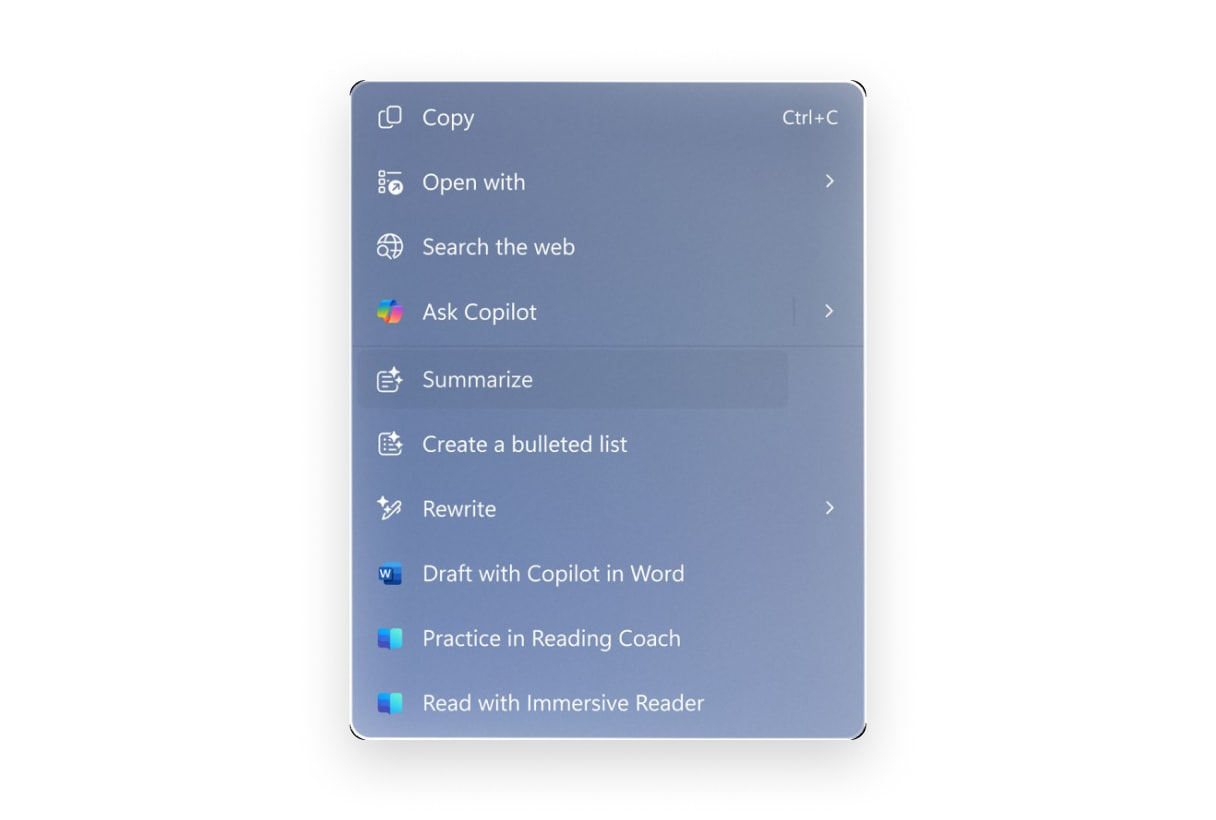
Hold the cursor on any text or image on screen and Click to Do works out what it is, then offers the next step in place, summarising a long thread, turning an address into a route, or sending a picture to the right editor, so a small task stops being five clicks across three apps.

Recall keeps a private, on-device timeline of what you have seen, so when you remember a chart but not where it was, you describe it in your own words and jump back to that exact moment, whether it was a PDF, a Teams call or a site you read last Tuesday.
The business case for Copilot+ PCs
saved per employee each week
of typical breach vectors blocked, estimated
less time spent managing devices
less help-desk effort, estimated
Built to be opened, so built to last for years.
The 2026 line is engineered for a long life. The parts that wear out come out with basic tools, so a device gets fixed and upgraded instead of replaced.
iFixit's top repairability score, awarded provisionally to the ThinkPad T14 Gen 7 and T16 Gen 5, the first ThinkPads to earn it.
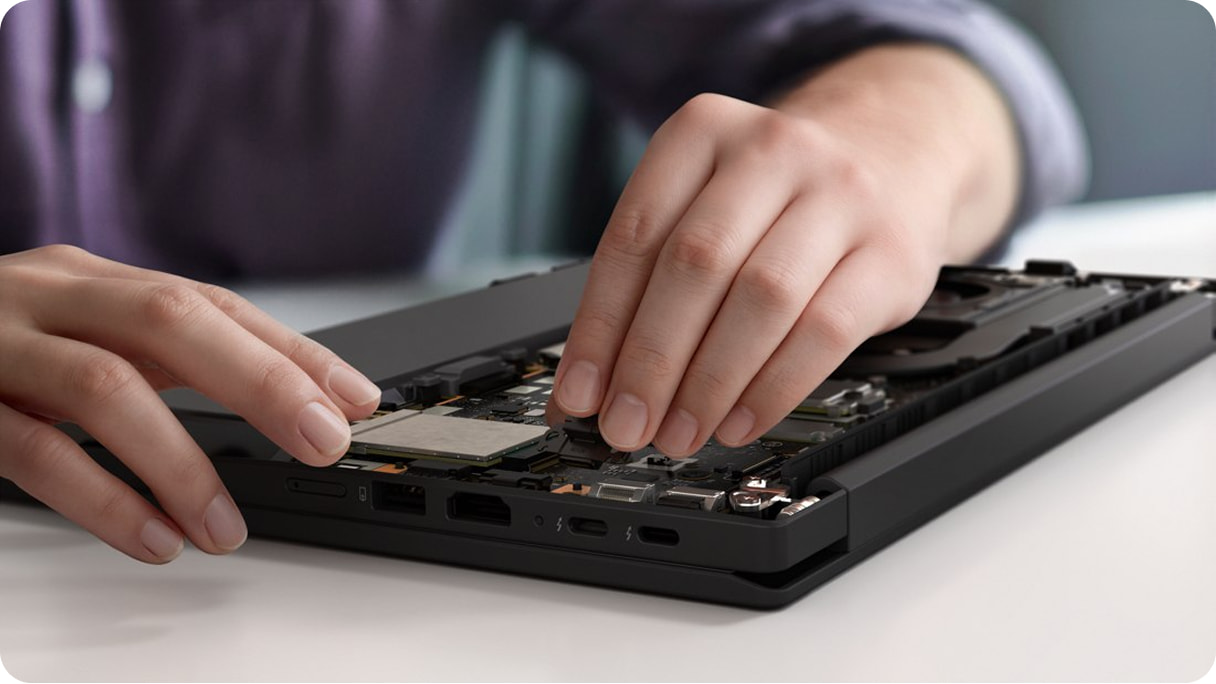
Battery, USB-C ports, LPCAMM2 memory and the fan all come out with basic tools, and Lenovo demonstrates the full swap in 2 minutes 40 seconds.
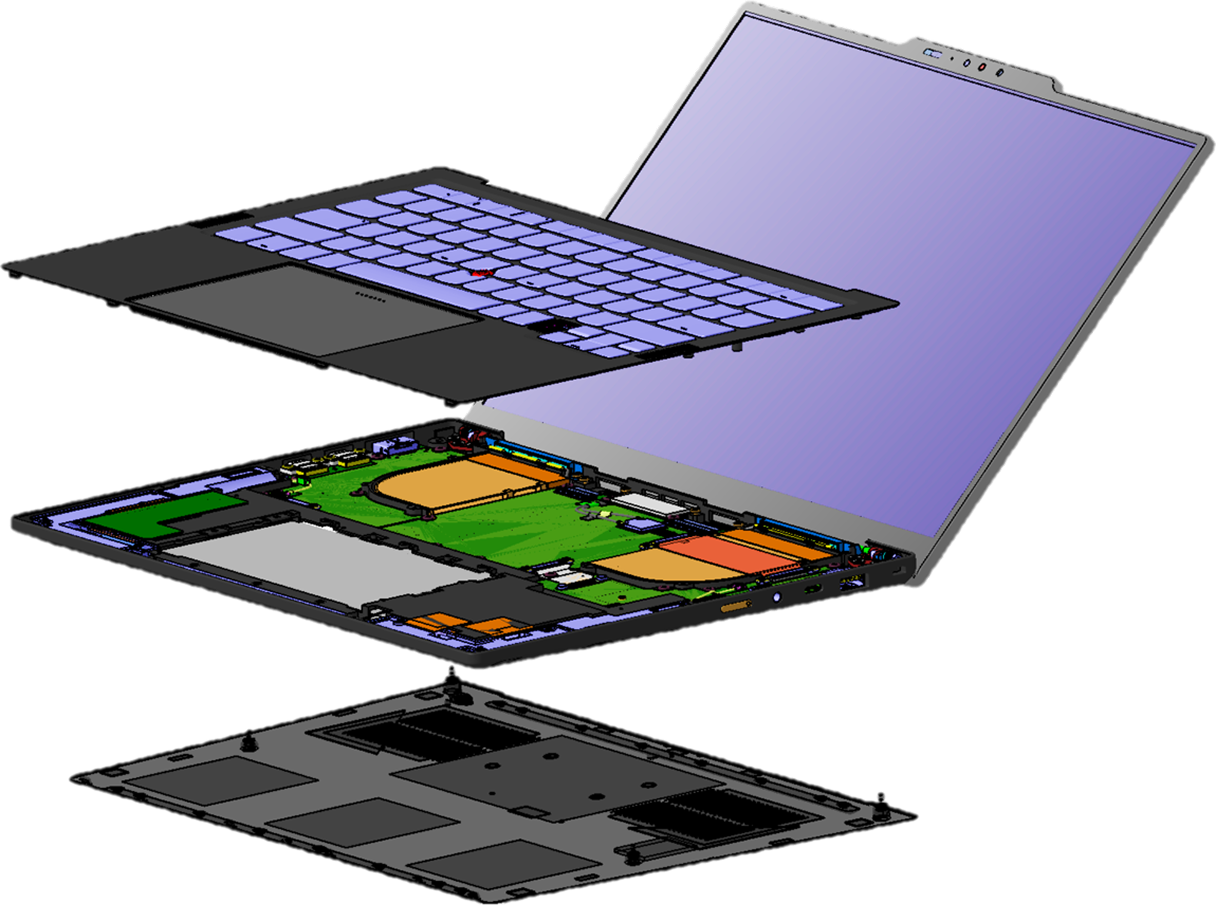
On the hero ThinkPad X1 models a new internal frame shrinks the motherboard and frees space for a bigger fan, so the system runs faster and stays quiet. The keyboard and USB-C ports are replaceable too.
smaller motherboard
larger fan
TDP in Performance mode
The memory lifts out, and runs faster on less power.
The ThinkPad T14 and T16 carry LPCAMM2, a single low-profile module that lifts out for an upgrade in seconds. It also runs faster and draws far less power under load than the DDR5 SO-DIMM it replaces.
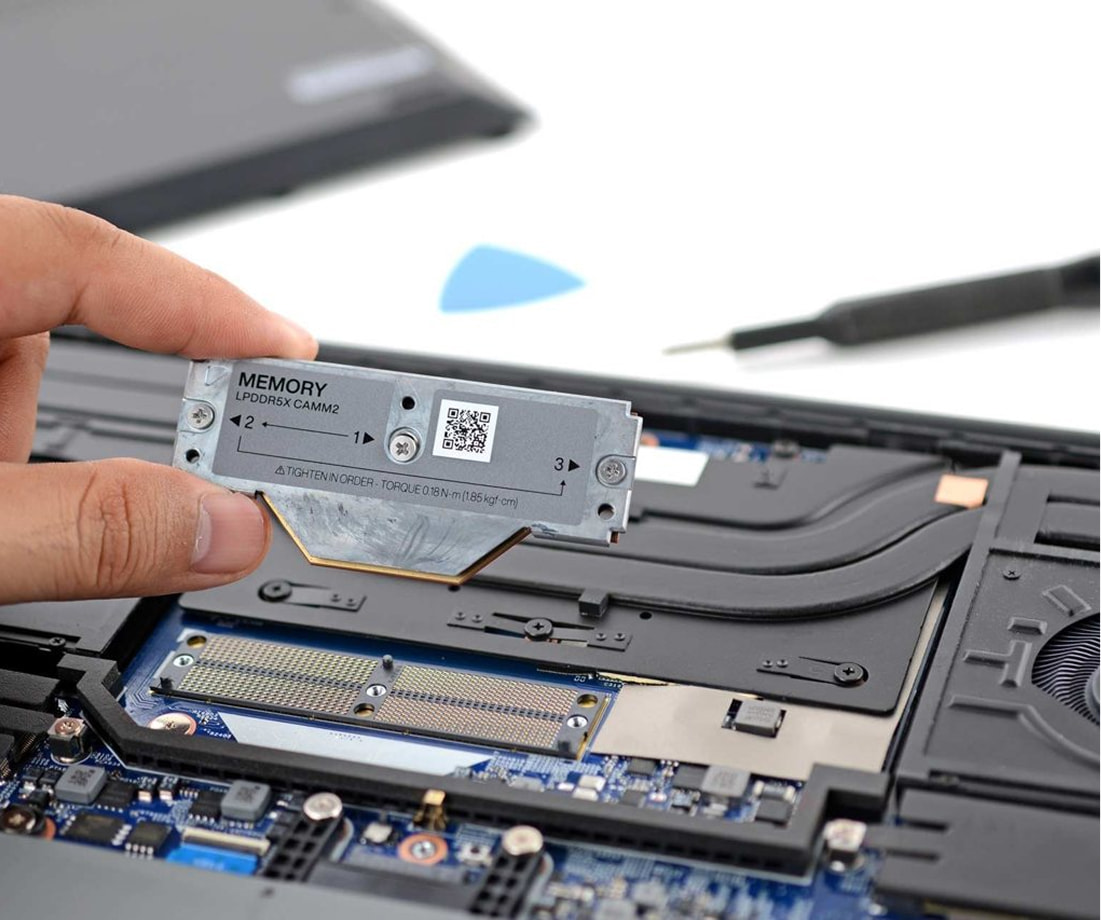 An LPCAMM2 module lifts straight out of the open chassis without any need for soldering.
 LPCAMM2 lifts out, so memory is yours to upgrade
 Soldered memory is fixed for the life of the device
 Upgrade it later
The module unclips and lifts out with basic tools, so more memory is a clip-in job, not a new machine.
 Faster everyday work
At 7467 MT/s it carries about 1.3 times the speed of the SO-DIMM it replaces, for smoother multitasking and on-device AI.
 Standard on T14 and T16
Replaceable LPCAMM2 ships on the ThinkPad T14 and T16. The rest of the 2026 line uses soldered memory.
The 2026 step up comes from a new generation of silicon.
The step up in 2026 comes from the processors. New architectures bring stronger graphics and faster on-device AI, with better efficiency across the line.
Intel Core Ultra Series 3, a full Copilot+ PC, with H-series Arc graphics that Lenovo puts at GeForce RTX 4050 level for heavier creative and engineering work.
Built on Zen 5, RDNA 3.5 and XDNA 2, with around an hour more battery life. Every chip is a Copilot+ PC.
The platform with the highest NPU performance (up to 80 TOPS) on the market right now, for the most demanding on-device AI.
You’re doing more, with less.
Beyond Studio Effects, Click to Do and Recall, the same on-device AI changes how people set up, search and sit in meetings on a Copilot+ PC.
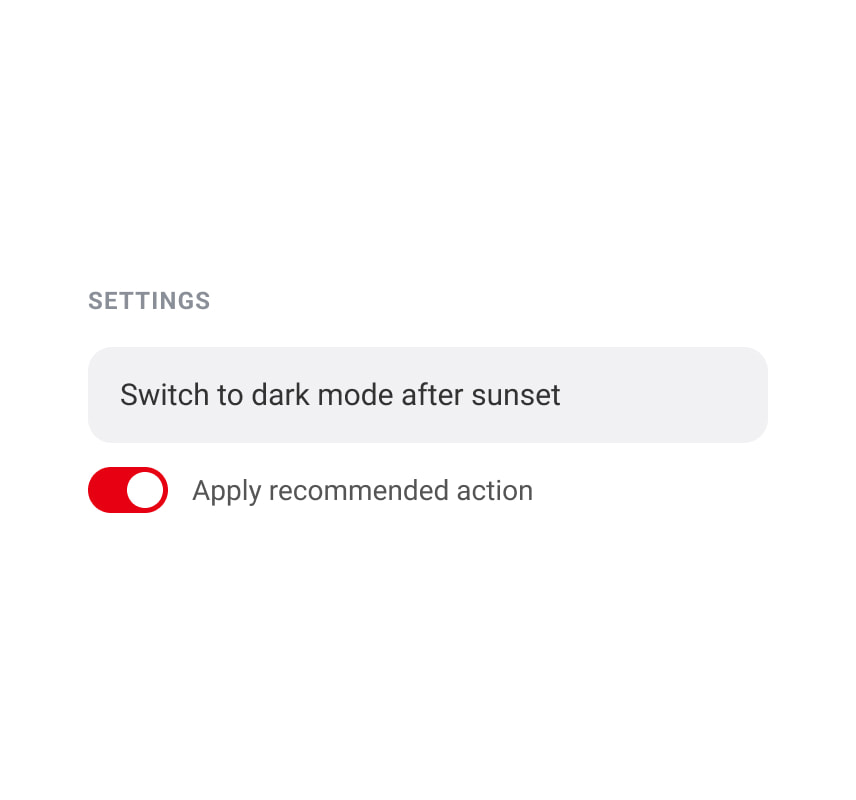
Describe the change you want in plain language and the agent finds the setting and offers the action, so nobody has to dig through menus to personalise a machine.
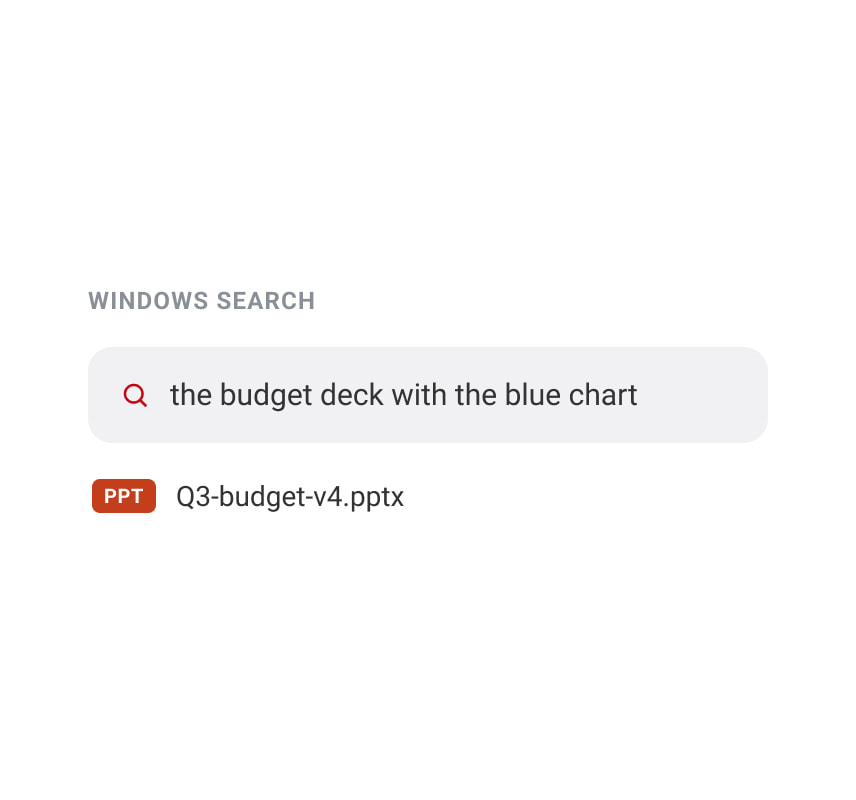
Forget the file name and search the documents and photos on the device by what is in them, in a short, conversational phrase, instead of guessing at how it was saved.
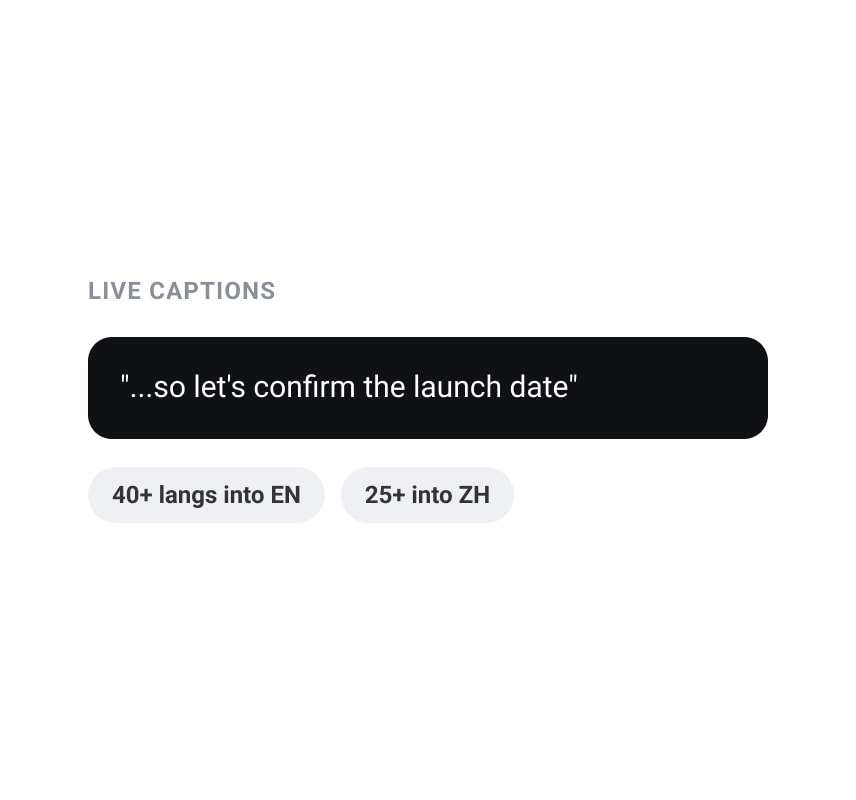
Live Captions transcribes any audio on the device and translates speech from over 40 languages into English as it is spoken, so a cross-border call stays followable for everyone.
New ThinkPads in the 2026 lineup, from ultralight to flagship.
The 2026 line runs from the ultralight X1 family to the T series workhorses and the X9 performance flagship. Every model is a Copilot+ PC running Windows 11 Pro.
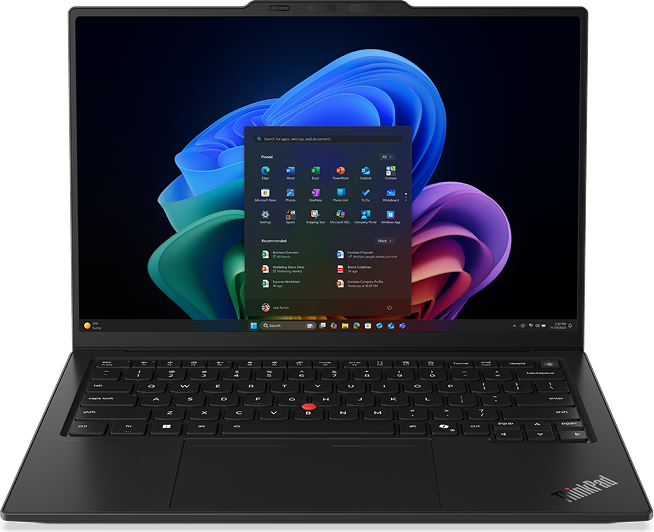 Space Frame
The flagship ultralight, built on the X1 Space Frame.
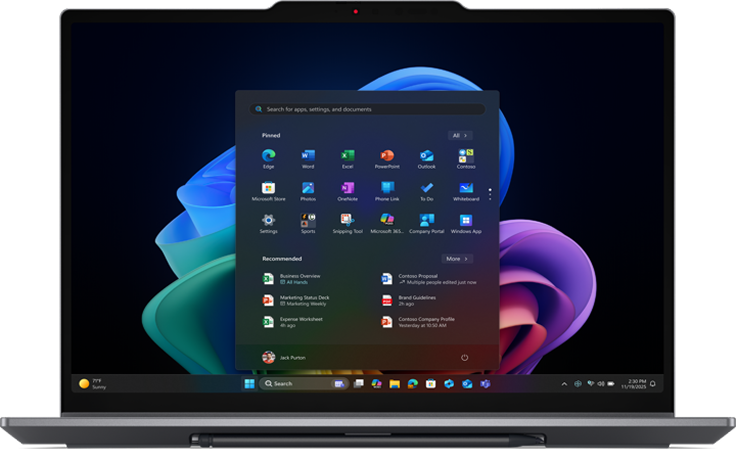 Space Frame
A convertible X1 with a 360-degree hinge.
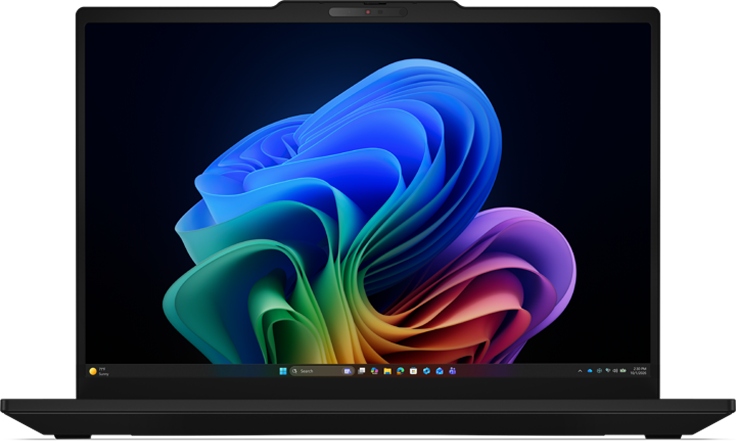
The 14-inch workhorse of the T series.
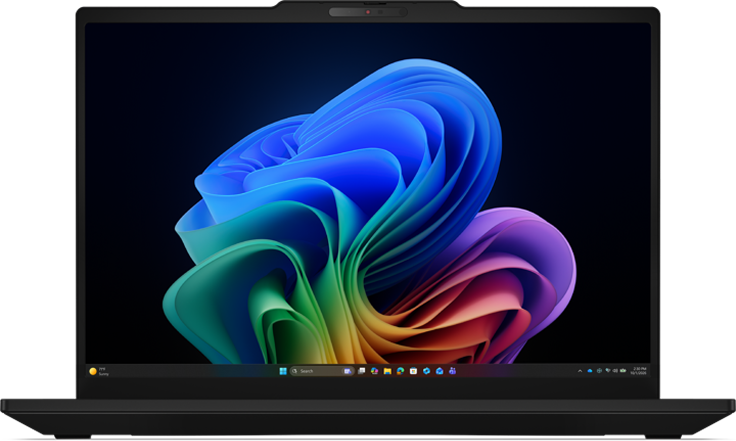
The 14-inch T series on AMD, with Radeon graphics.
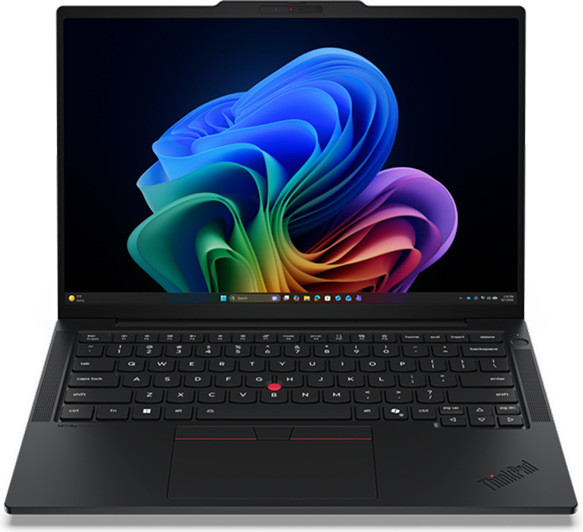
A thinner, lighter 14-inch T series.
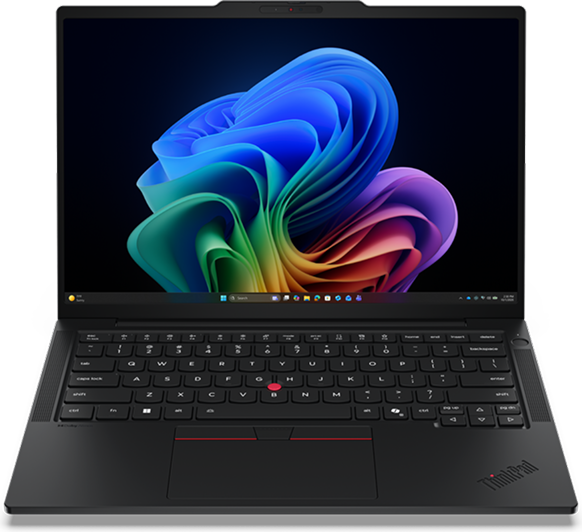
The thin-and-light T14s on AMD.
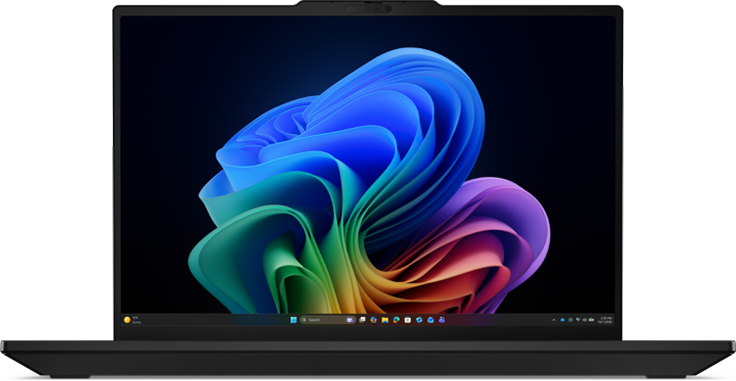
The 16-inch T series, more screen to work on.
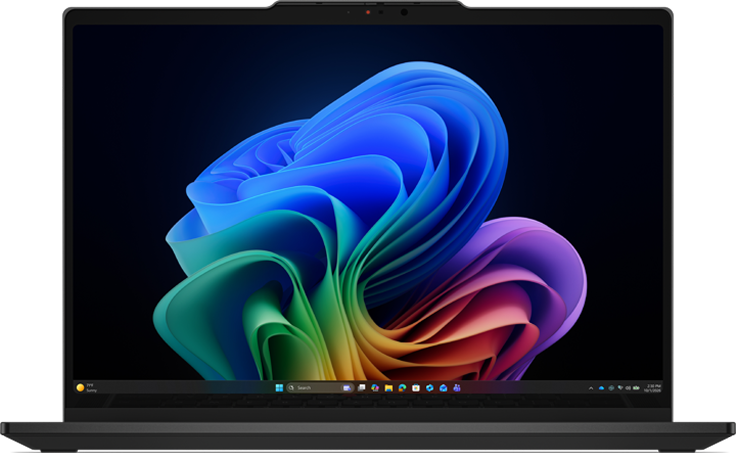
A convertible T14s with a garaged pen.
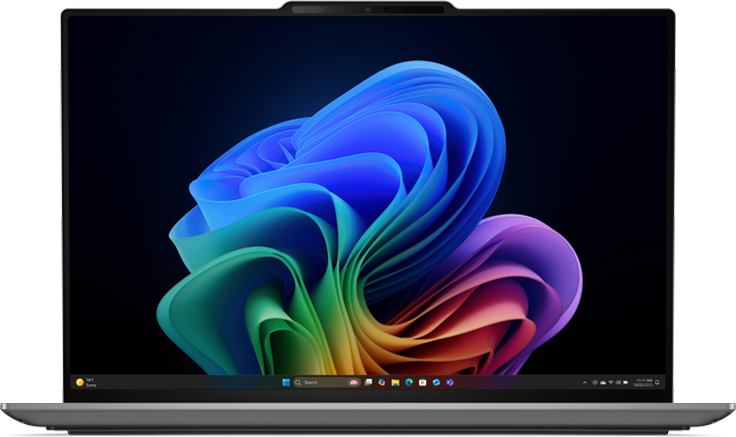 Performance
The 15-inch performance flagship.
Two finishes for the T series
Eclipse Black still ships across the whole 2026 line. The Intel T14 Gen 7 and T14s Gen 7 add Cosmic Blue, a deep blue-grey, for buyers who would rather the fleet not arrive as another row of black slabs.

The standard finish, a near-black with a low-gloss, fingerprint-resistant coat.

A deep blue-grey that reads black until the light catches it, exclusive to the Intel T14 and T14s.
Where to buy?