Build, train and run AI models on hardware you own.
The lineup covers the whole AI job. You prep the data on a ThinkPad P Series, train on a ThinkStation P Series and run the finished model on the ThinkStation PGX next to your desk, and everything stays on hardware you own until the model has earned its way into the data center.
Code, prep data and collaborate from wherever you happen to be
Train, tune and run inference, with room for more GPU and memory
Your own AI sandbox, built on NVIDIA Grace Blackwell
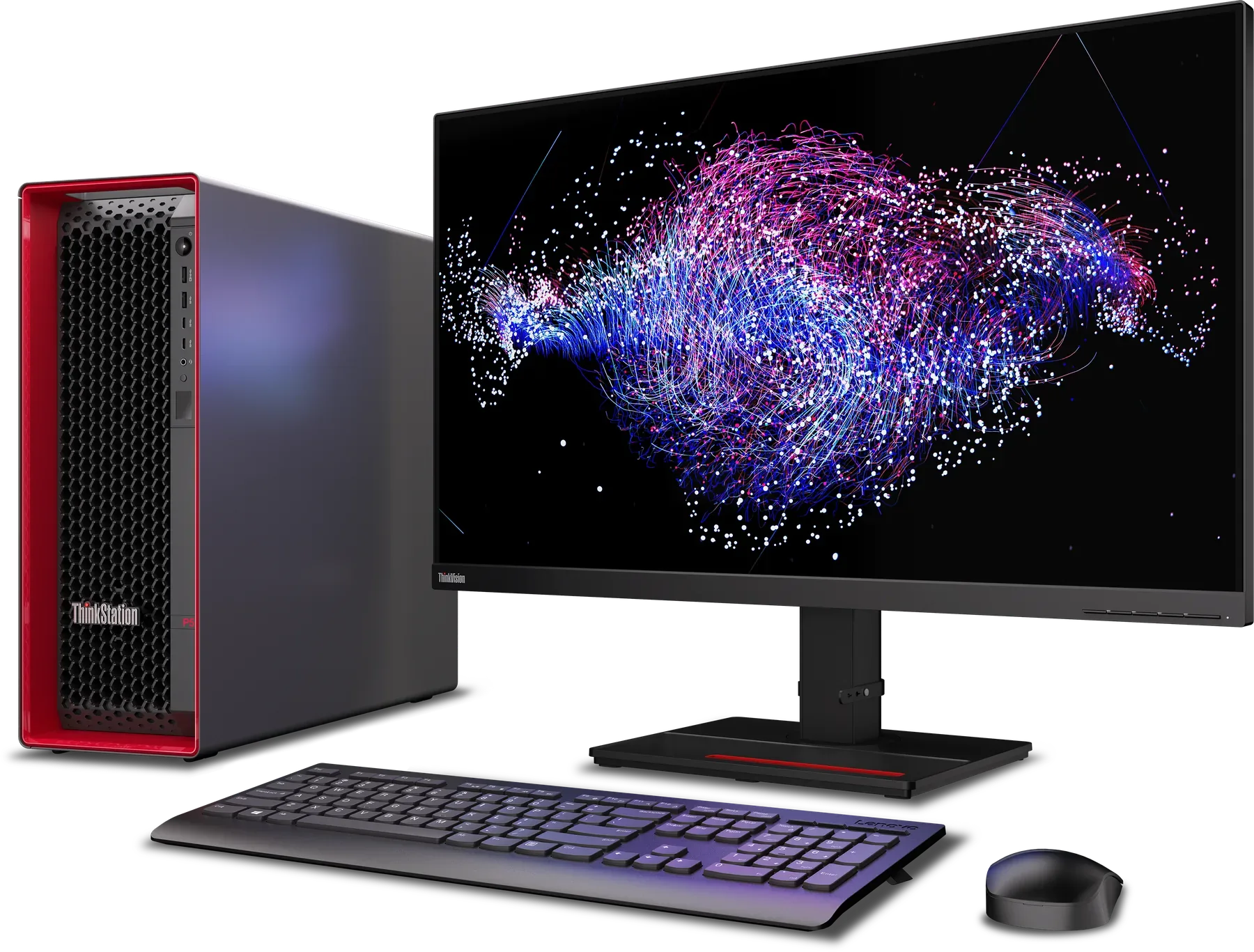
Turn the workstation into your AI launchpad.
A lot of the time in an AI project goes on waiting: for cloud GPUs, for budget approval, for data to move. A Lenovo workstation puts the full GPU-accelerated stack on a machine your team already owns, so you can build, test and prove the idea first and only pay for cloud once it works.
This is where you clean the data, label it, build features and open the first notebooks, which is unglamorous work that everything after it depends on.
On a ThinkPad P Series, so the work travels with you and the data never leaves the laptop.
Machine learning, deep learning and generative AI all live here, in the training runs, the architecture changes and the evaluation loop that goes round until the numbers hold up.
On a ThinkStation P Series, because training wants more GPU and memory than a laptop can carry.
Fine-tune on your own data and check the results before anyone outside the team gets to see them.
On a ThinkStation P Series or in the PGX sandbox, and in both cases it stays on premises.
Run the model locally for inference and demos, so the people who sign off can see it working without anyone needing a cloud account.
On the PGX or a ThinkStation P Series, and once the model is proven you hand it off to the data center or the cloud.
What you get is faster experiments, clearer economics and a lot less friction on the way to real AI.
Every stage runs on hardware you already own, so one more iteration costs nothing extra. Training data stays in the building until the model has proven it's worth scaling.
Four reasons AI teams move faster on Lenovo.
Bring AI closer to the data, the developer and the decision.
The compute is only part of it, because the whole platform is built around how a dev team actually works, so the hours go into the model and not into the setup.
The range runs from a single laptop GPU to a twin-GPU tower, all with NVIDIA RTX PRO GPUs and big memory configurations, so you pick the machine that fits the model instead of squeezing the model into the machine.
What it means in practice: A 14-inch ThinkPad takes care of data prep and light inference, while a ThinkStation P5 Gen 2 with two RTX 6000 Blackwell GPUs and up to 1 TB of memory does the heavy training.
You prototype, fine-tune and run inference in a sandbox you control, which keeps the training data and the IP on your own premises for as long as you want them there.
What it means in practice: Confidential or regulated data never leaves your own network, even while a model is being fine-tuned and tested on it.
The platforms are NVIDIA and Linux certified and run the open-source tools, libraries and frameworks your developers already use, so there is nothing to relearn and nothing to rebuild when you move to a bigger machine.
What it means in practice: The same PyTorch, Jupyter and container setup runs on the laptop, the tower and the PGX, so a project moves between them without anything being rebuilt.
Because the hardware is a fixed cost, ten experiments cost the same as a thousand, and you only start paying for cloud once the model has proven the business case.
What it means in practice: The exploratory phase, where plenty of experiments are supposed to fail, runs at a fixed cost, and cloud spend is kept for the models that have earned it.
One AI journey, with a portfolio that grows alongside it.
A project starts on the laptop your team already carries, moves up to a tower when the model wants more, and goes to the PGX when it's time to prove it. All three share the same certified software environment, so nothing has to be rebuilt on the way up.
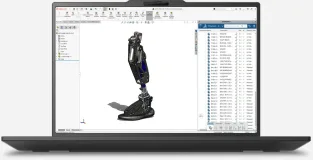
You develop, prep data and collaborate from anywhere, and with RTX PRO laptop GPUs and up to 192 GB of memory in the P16 Gen 3, the first training and inference runs happen on the same machine you carry into the meeting.
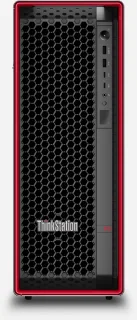
Training, tuning and inference get serious GPU and memory: up to two RTX 6000 Blackwell GPUs and 1 TB of DDR5 in the P5 Gen 2, or a single 96 GB RTX PRO 6000 in the P4.
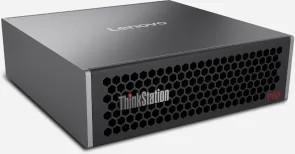
The PGX is a local AI sandbox built on the NVIDIA GB10 Grace Blackwell Superchip, with 128 GB of unified memory and the NVIDIA AI software stack already installed. It is where you prototype, fine-tune and run inference before anything touches production.
Lenovo AI Developer pairs the workstation with NVIDIA AI Workbench.
NVIDIA AI Workbench is a free development platform for data science, machine learning and generative AI that runs across local machines and remote compute. Lenovo AI Developer pairs it with a workstation sized for each stage of the journey, so the environment is sorted before anyone trains a model.
Smarter AI development
A click-through installer gets a GPU-accelerated ThinkStation or ThinkPad ready in minutes.
You can work from the command line or the GUI, whichever you prefer, and neither gets in your way.
Developers start in JupyterLab or Visual Studio Code, with Git versioning and containers built in from the first commit.
Gradio and Streamlit apps run locally, and you can tweak them on the fly.
Teams work through GitHub, GitLab or a self-hosted GitLab.
A project moves from a ThinkPad P Series with an RTX PRO GPU to a multi-GPU ThinkStation P Series, and on to the data center, with one click.
Smarter AI deployment
Setup is automated for GPU environments, so a new machine matches the rest of the team's without anyone hand-installing drivers and libraries.
Workflows can be reproduced, shared and scaled up or down, and they move between environments with their versioning and credentials intact.
AI Workbench installs and manages generative AI resources, tracks what each project uses, and gives you a clean UI with a full CLI underneath.
The certified platforms are Lenovo ThinkPad, ThinkStation, ThinkSystem and cloud, so the same project definition runs from your laptop to the server room.
It runs on the tools your developers already use.
These are some of the models, environments, frameworks and repos that run on Lenovo AI Developer workstations, and the full list is a good deal longer.
- Meta Llama 3
- Mistral AI
- Falcon 180B
- Qwen
- Docker
- Jupyter
- NVIDIA AI Workbench
- TensorFlow
- scikit-learn
- Python
- PyCharm
- pandas
- RAPIDS
- GitHub
- GitLab
- Hugging Face
- NVIDIA NGC
A ThinkStation chassis co-designed with Aston Martin.
Lenovo designed the ThinkStation P Series chassis together with one of its own customers, Aston Martin. The brief was to reflect Lenovo's red design language, deliver the highest possible performance and make the machine easy to customize, which is simple to say and hard to do.
Designers from both companies worked on it side by side and ended up with a tool-less chassis that you can open, reconfigure and close without reaching for a screwdriver, designed around flexibility, ergonomics and airflow.
Lenovo is the Official Workstation Partner of Aston Martin.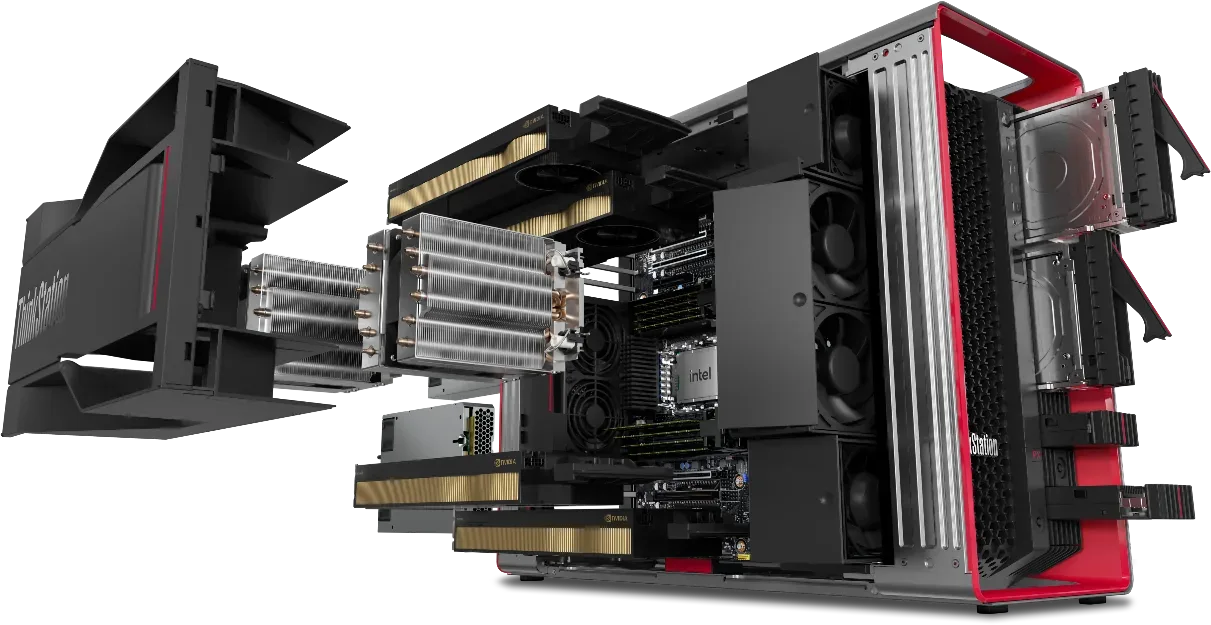
What that design gives you, in numbers.
The side cover, the memory, the 3.5-inch drives and the PCIe cards all come out and go back in without tools, so when a model outgrows the first build you add the second GPU or more storage yourself.
Three PCIe 5.0 and three PCIe 4.0 slots, two of them sized for double-width cards, which is how the P5 Gen 2 fits two RTX 6000 Blackwell GPUs side by side.
Seven drives, a mix of 3.5-inch bays and M.2 slots, take the P5 Gen 2 to 52 TB, so the dataset and every checkpoint stay inside the box instead of on a server down the hall.
A 33-liter tower that weighs up to 19 kg fully loaded, laid out so air reaches two GPUs and a 48-core Xeon through a training run that lasts all night, and it still moves and opens easily.
12 methods and 22 procedures.
AI hardware doesn't always sit at a desk, since it also rides along to customer sites, works on factory floors and runs flat out for hours. That is why every ThinkPad P Series is tested against 12 MIL-SPEC methods and 22 procedures of MIL-STD-810H, the military standard for mechanical stress, environmental exposure and temperature extremes.
 Mechanical shock
Shock
Mechanical shock
ShockHigh acceleration, repeated shock pulses and transit drop
 Running and off
Vibration
Running and off
VibrationTested while running and while turned off
 140mesh
Sand and dust
140mesh
Sand and dustTested with 140 mesh silica dust and silica sand
 28days
Fungus
28days
Fungus28 days of exposure to common fungus sources
 4,572m
Altitude
4,572m
AltitudeTested for operation at 4,572 m (15,000 ft)
 7×24h
Solar radiation
7×24h
Solar radiationSeven 24-hour cycles of simulated UV radiation
 Fuel vapor
Explosive atmosphere
Fuel vapor
Explosive atmosphereOperation in a fuel vapor environment
 98%
Humidity
98%
Humidity91 to 98% relative humidity at 30 to 60 °C
 −25°C
Low temperature
−25°C
Low temperatureStorage at −25 °C for 24 h, operation at −21 °C for 8 h
 63°C
High temperature
63°C
High temperatureStorage at 63 °C for 24 h, operation at 43 °C for 8 h
 85°C span
Extreme temperature
85°C span
Extreme temperature−25 to 60 °C over 3 cycles of 2 hours each
 33Hz
Shipboard vibration
33Hz
Shipboard vibration4 to 33 Hz for 2 hours
 Lenovo's Zero Trust security portfolio
ThinkShield protects the workstation from the supply chain to the desk.
An AI team's workstation holds the training data and the model built from it, which is often the most sensitive material in the company, and it lives under someone's desk. ThinkShield is how Lenovo protects that machine, in four layers, and each layer is a real product with a name rather than a promise.
Four layers, from the day the machine is built to the day it is retired.
ThinkShield Build Assure verifies that the machine you receive is the machine Lenovo built. The components inside are tracked, the device is checked as authentic and it is confirmed to have arrived untampered, so trust begins before the box is opened.
Every ThinkPad and ThinkStation tower on this page carries a TPM 2.0 security chip and a self-healing BIOS, which restores its own firmware if it is corrupted or attacked. Fleet-wide, Firmware Assurance checks that each machine still runs the firmware Lenovo shipped, and Hardware Defense catches rogue devices.
ThinkShield XDR*, built with SentinelOne, watches behavior rather than known signatures, so ransomware, phishing and data theft are stopped as they start. You sign in with a fingerprint or your face instead of a password, and the fingerprint is matched on the sensor's own chip.
Lenovo Expert team provides protection and support for Lenovo Workstation users. It is handled seamlessly by the Lenovo Premier Support team 24/7.
What is built into each machine.
Lenovo publishes a specification sheet for every model. This is the security section of all of them, side by side, so you can see what your machine will have without reading eight PDFs.
All of this protection comes from one partner.
ThinkShield keeps evolving across hardware, software and services, and it does so without getting in the way of the people doing the work. The machine that trains your model is protected by the same company that built it, and the same company you call when something goes wrong.
Premier Support keeps the workstation working, and the budget predictable.
When a workstation dies mid-training, nobody wants a ticket queue. Premier Support gives you 24/7/365 access to Premier Support accredited engineers, wherever the work happens. Monitoring catches problems before they turn into emergencies, so there are fewer urgent repairs and the support budget stays predictable.
Support from Premier Support accredited engineers, wherever work happens
Next business day onsite support if needed, with international service extension
Global network for advanced monitoring and proactive lifecycle management
One single contact for your case management from start till end
Nine workstations cover the range from a 1.29 kg laptop to a dual-GPU tower.
Each of these is built for a different point in the AI workflow, from prepping data and running inference on the move, to training at a desk, to a dedicated sandbox next to the workstation you already have. Whatever the job, the three numbers that decide what a machine can do with a model are the GPU, the memory and the processor, so those are what every card leads with.
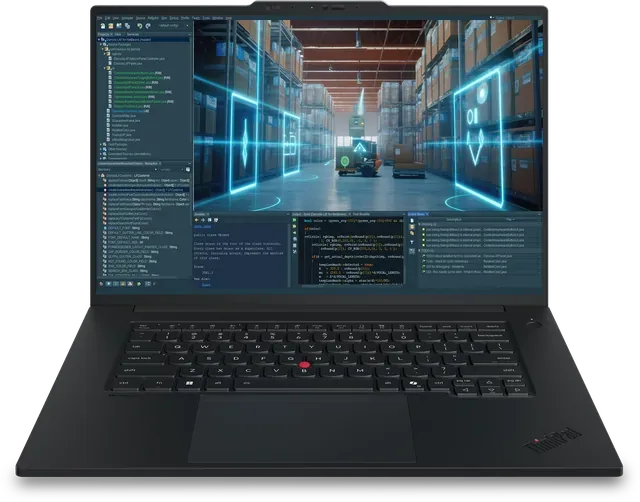
You get up to an NVIDIA RTX PRO 2000 Blackwell or integrated Intel Arc Pro, an Intel Core Ultra X9 Series 3 with up to 16 cores, and 672 TOPS of AI performance.
See the ThinkPad P1 Gen 9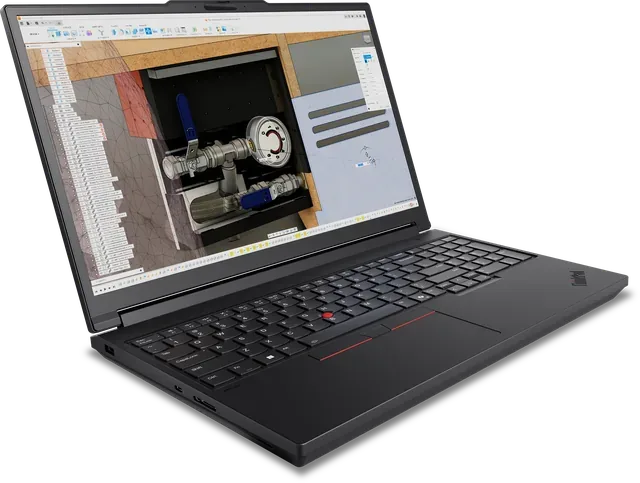
You get up to an NVIDIA RTX PRO 5000 Blackwell, an Intel Core Ultra HX-Series with up to 24 cores, up to 192 GB of DDR5 and up to 12 TB of PCIe Gen5 storage.
See the ThinkPad P16 Gen 3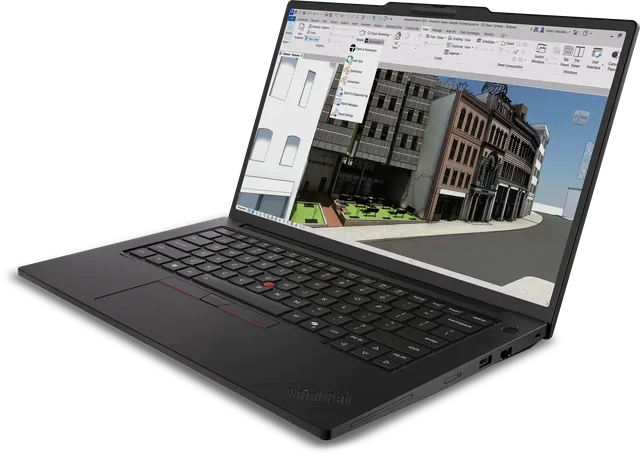
You get up to an NVIDIA RTX PRO 1000 Blackwell with 8 GB, an Intel Core Ultra X9 Series 3 with up to 16 cores, and LPCAMM2 memory you can upgrade to 96 GB.
See the ThinkPad P14s Intel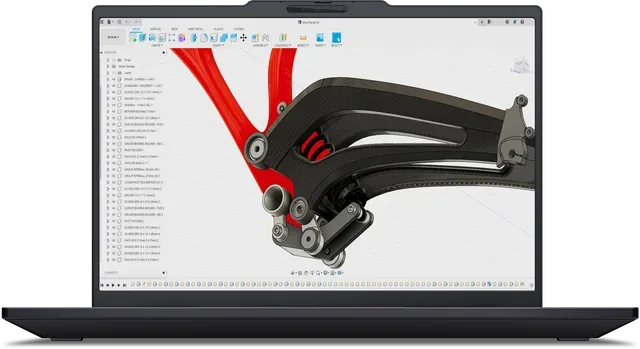
It runs an integrated AMD Radeon 890M with up to 48 GB of unified memory and an AMD Ryzen AI 9 HX PRO 470 with up to 12 cores, and it starts at 1.29 kg.
See the ThinkPad P14s AMD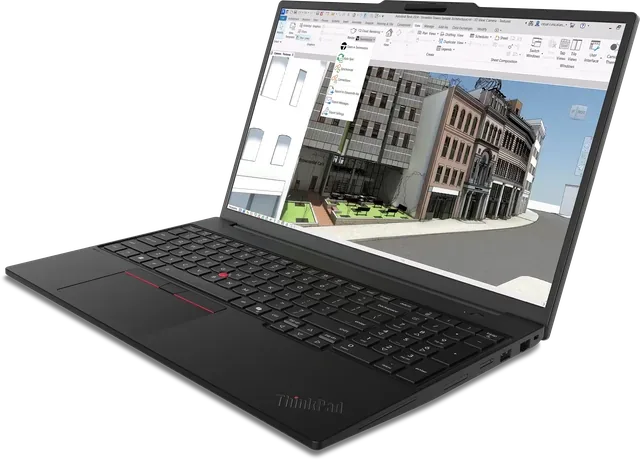
You get up to an NVIDIA RTX PRO 2000 Blackwell with 8 GB and an Intel Core Ultra X9 Series 3 with up to 16 cores, under 2 kg.
See the ThinkPad P16s Intel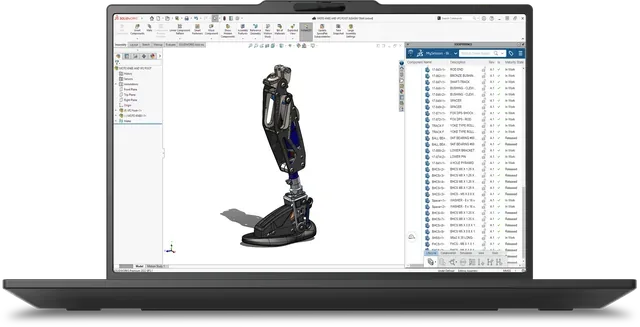
You get up to an NVIDIA RTX PRO 2000 Blackwell with 8 GB, an AMD Ryzen AI 9 HX PRO 470 with up to 12 cores, and modular LPCAMM2 memory up to 96 GB.
See the ThinkPad P16s AMD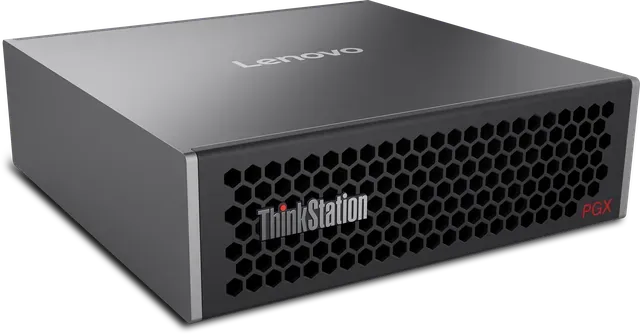
It is built on the NVIDIA GB10 Grace Blackwell Superchip with 128 GB of unified memory and up to 4 TB of storage, and ConnectX-7 lets two units work as one.
See the ThinkStation PGX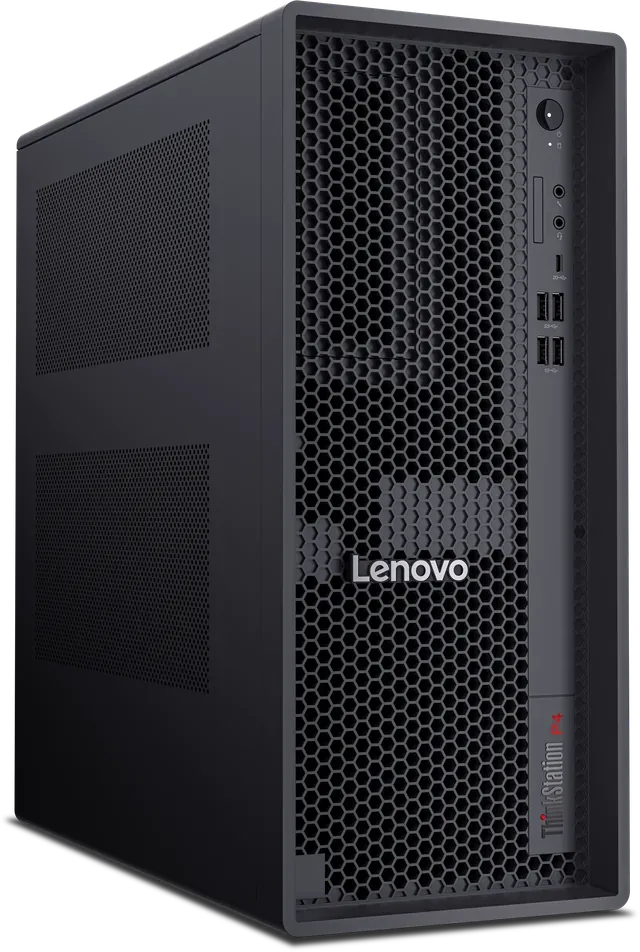
You get up to an NVIDIA RTX PRO 6000 Blackwell with 96 GB of ECC memory, an AMD Ryzen 9 PRO 9965X3D with up to 16 cores, and up to 256 GB of DDR5.
See the ThinkStation P4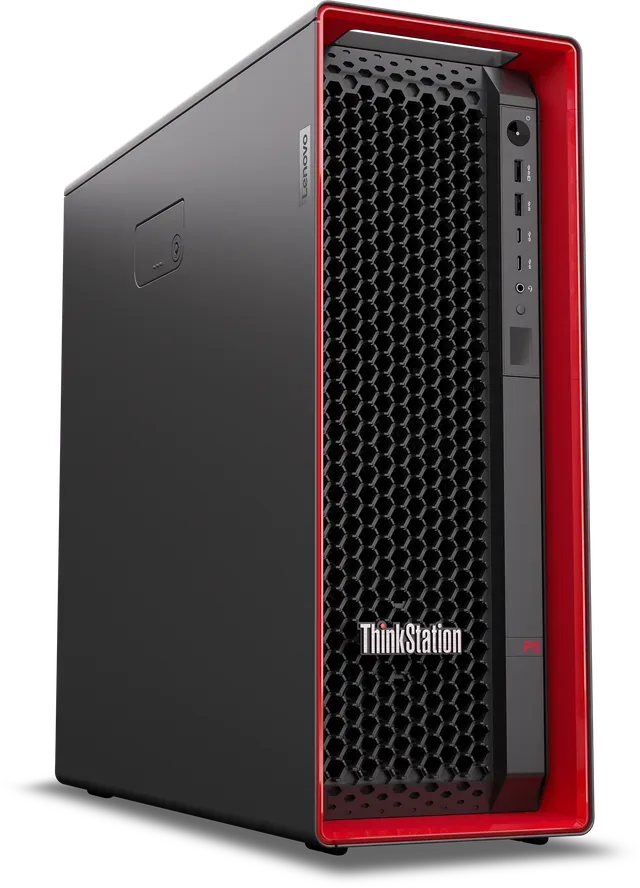
You get up to two NVIDIA RTX 6000 Blackwell Max-Q GPUs, an Intel Xeon 600 with up to 48 cores, up to 1 TB of DDR5 and up to 52 TB of storage.
See the ThinkStation P5 Gen 2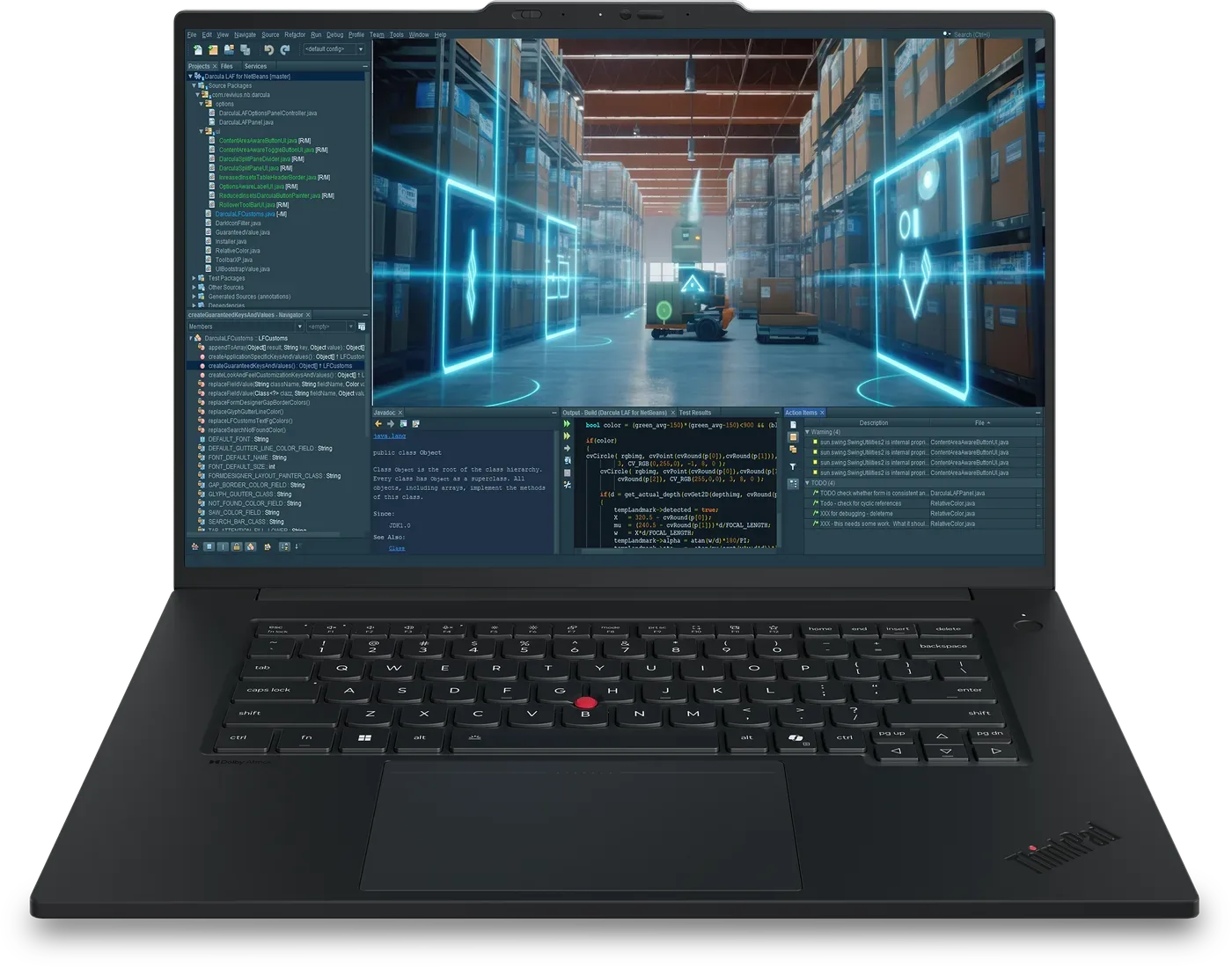
Up to NVIDIA RTX PRO 2000 Blackwell Generation Laptop GPU, or integrated Intel Arc Pro
Up to Intel Core Ultra X9 (Series 3) H-Series, up to 5.1 GHz
The lightest 16-inch workstation in the lineup
This is the ThinkPad P Series machine for the developer who's rarely at the same desk two days running. It runs an Intel Core Ultra X9 Series 3 with up to 16 cores, and you choose between integrated Intel Arc Pro graphics and a discrete NVIDIA RTX PRO 2000 Blackwell for work that needs CUDA. The 16-inch 4K Tandem OLED touch display shows dense code, notebooks and dashboards at full resolution.
Up to Intel Core Ultra X9 (Series 3) H-Series processor, up to 16 cores, up to 5.1 GHz
Integrated Intel Arc Pro, or discrete up to NVIDIA RTX PRO 2000 Blackwell Generation Laptop GPU
Starting at 1.77 kg
16" Tandem OLED Touch 4K (3840 x 2400), 16:10
672 TOPS
672 TOPS of on-device AI performance is plenty for exploring data, prototyping prompts and agents, and running compact models locally, and the RTX PRO 2000 option adds CUDA acceleration for small training runs on the same machine.
Explore and prep data in JupyterLab or VS Code, wherever you're working.
Prototype generative AI apps and train small models on the RTX PRO 2000 configuration.
Run inference and demos locally on the 4K OLED without needing a network.
Up to NVIDIA RTX PRO 5000 Blackwell Generation Laptop GPU
Up to 192 GB DDR5 5600 MHz memory
Intel Core Ultra (Series 2) HX-Series, up to 5.5 GHz
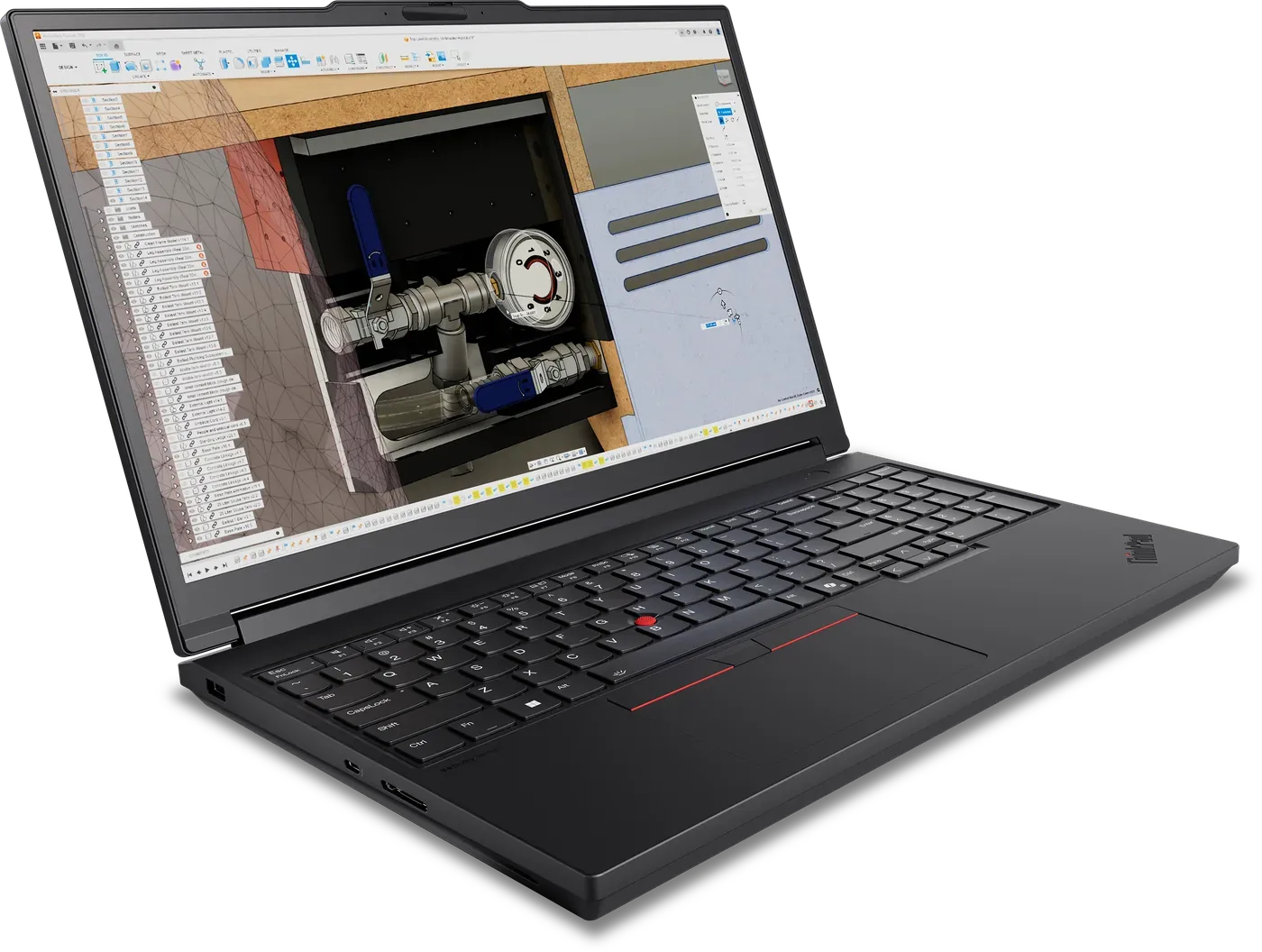
If one person needs to carry a full training environment, this is the machine. Intel Core Ultra HX-Series processors with up to 24 cores feed a GPU that goes all the way up to the NVIDIA RTX PRO 5000 Blackwell. Up to 192 GB of DDR5 and up to 12 TB of PCIe Gen5 NVMe storage mean the datasets and the checkpoints travel with you, instead of living on a server you can't reach from the train.
Intel Core Ultra Processors (Series 2) HX-Series, up to 24 cores, up to 5.5 GHz
Up to NVIDIA RTX PRO 5000 Blackwell Generation Laptop GPU
Up to 192 GB DDR5 5600 MHz
Up to 12 TB M.2 PCIe Gen5 NVMe Performance SSD
16" Tandem OLED Touch 4K (3840 x 2400), 16:10
Twelve terabytes of Gen5 NVMe and 192 GB of system memory mean the training set, the intermediate features and every checkpoint fit on the laptop. That's enough room to take a fine-tuning job from start to finish without offloading anything.
Prep large datasets with the whole corpus held locally.
Train and fine-tune mid-size models on the RTX PRO 5000 Blackwell GPU.
Run inference and multi-model demos from one portable machine.
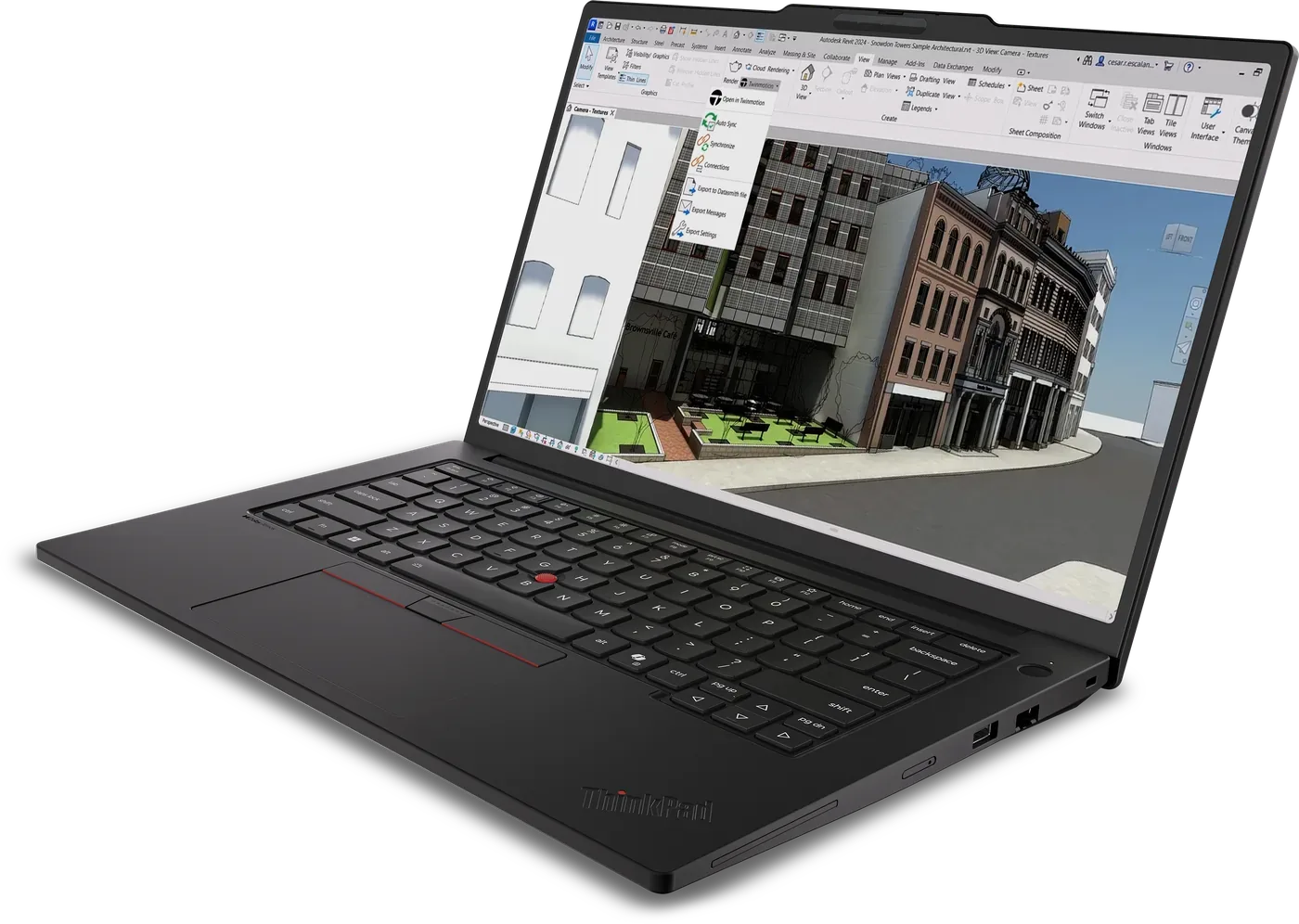
Up to NVIDIA RTX PRO 1000 Blackwell Generation Laptop GPU, 8 GB GDDR7
Upgradeable LPCAMM2 memory, up to 96 GB at 8533 MT/s
Up to Intel Core Ultra X9 Series 3, up to 5.1 GHz
The P14s Intel is a 14.5-inch workstation with a discrete NVIDIA RTX PRO 1000 Blackwell GPU and 8 GB of GDDR7, which puts real CUDA acceleration in a chassis that fits any bag. The memory is LPCAMM2, upgradeable to 96 GB at 8533 MT/s, so the machine you buy for data work today can grow when the models do. Display options include a 3K IPS panel at 500 nits with 100% DCI-P3, anti-glare and TÜV Eyesafe certification.
Up to Intel Core Ultra X9 Series 3 processor, up to 16 cores, up to 5.1 GHz
Up to NVIDIA RTX PRO 1000 Blackwell Generation Laptop GPU (8 GB GDDR7 VRAM)
Upgradeable LPCAMM2, up to 96 GB at 8533 MT/s
Multiple 14.5" 16:10 options including 3K IPS, 500 nit, 100% DCI-P3, Timing Controller color calibration, anti-glare, low blue light, TÜV Eyesafe
LPCAMM2 at 8533 MT/s, upgradeable to 96 GB, gives the P14s Intel room to grow with the models it runs, so you can buy it for data work this year, upgrade it for local inference of bigger models later, and skip a replacement cycle.
Clean, label and build features on the road.
Run small-model experiments and CUDA notebooks on the RTX PRO 1000.
Run inference on the device for demos and field use.
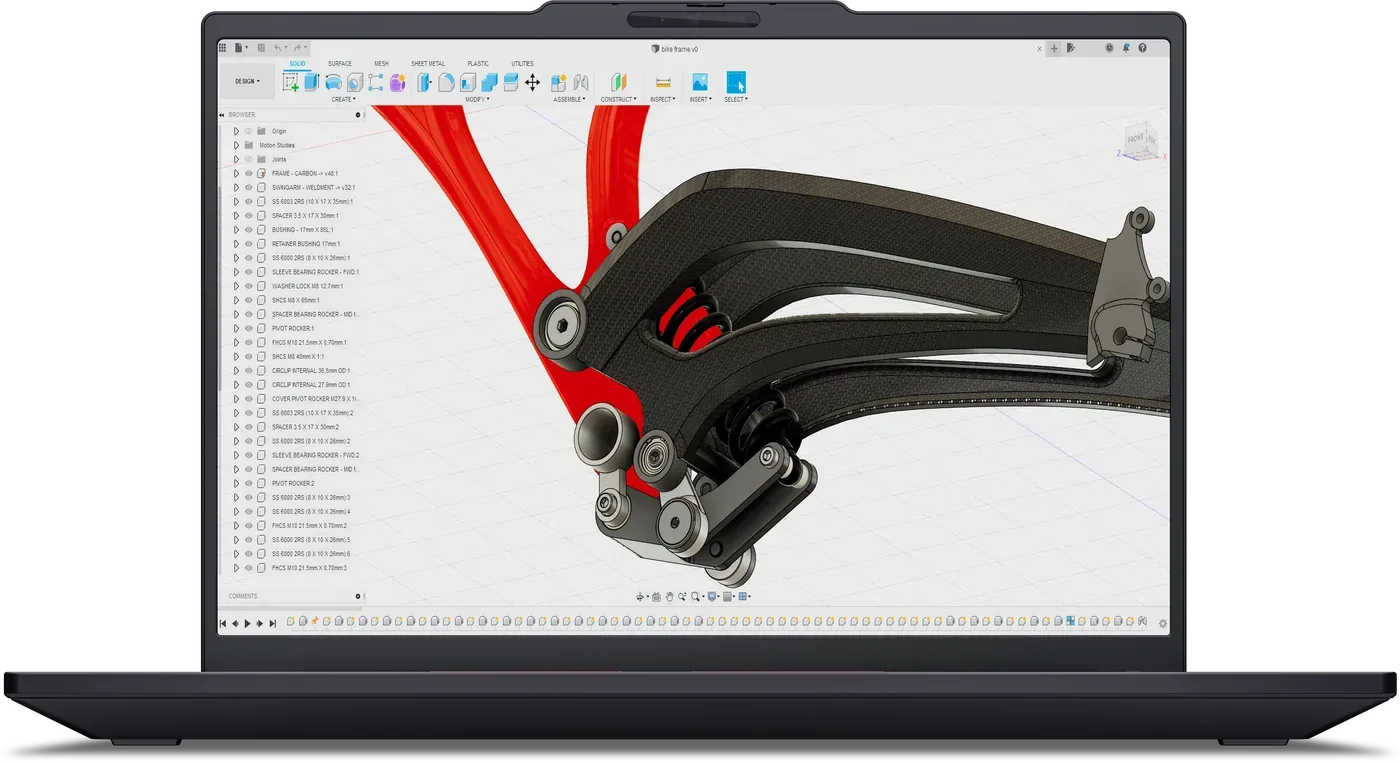
Starting weight of the ultra-lightweight design
Up to 48 GB of unified memory for the integrated Radeon 890M
Up to AMD Ryzen AI 9 HX PRO 470, up to 5.2 GHz
At 1.29 kg, this is the lightest AI-ready mobile workstation Lenovo makes. Instead of a discrete GPU it uses the integrated AMD Radeon 890M on the RDNA 3.5 architecture, which shares one pool of up to 48 GB of unified memory with the processor, an AMD Ryzen AI 9 HX PRO 470 with up to 12 cores. The 14-inch display options include 2.8K OLED.
Ultra-lightweight design starting at 1.29 kg
Up to AMD Ryzen AI 9 HX PRO 470, up to 12 cores, up to 5.2 GHz
Integrated AMD Radeon 890M on the AMD RDNA 3.5 architecture, with up to 48 GB of unified memory
Multiple 14" 16:10 screen options including 2.8K OLED
Unified memory is the trick that lets a 1.29 kg laptop load models that wouldn't fit into a small discrete GPU. The Radeon 890M can address up to 48 GB shared with the processor, so language and vision models run locally for inference and evaluation.
Prep and explore data on the lightest machine in the range.
Run language and vision models locally without a round trip to the cloud.
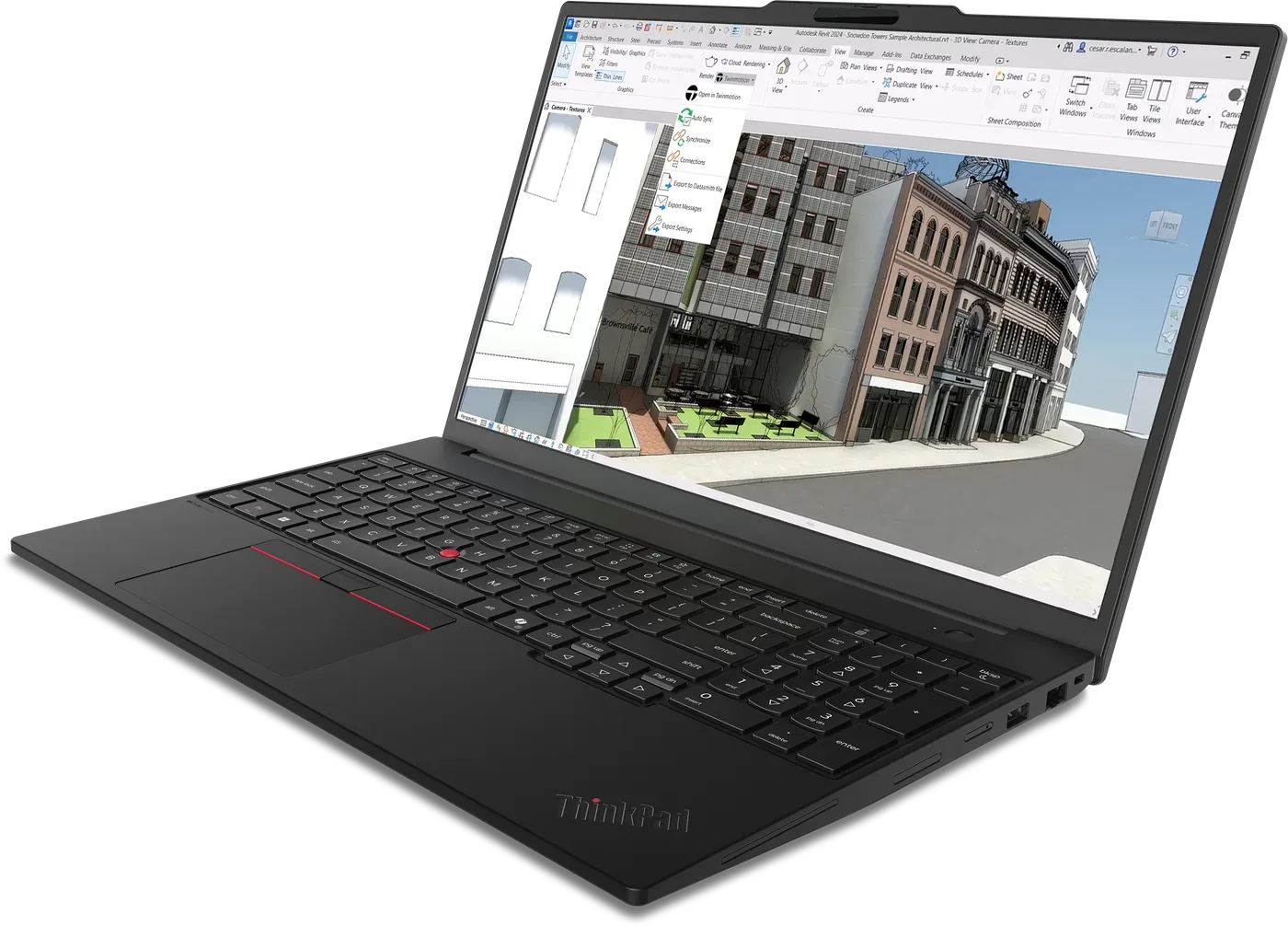
Up to NVIDIA RTX PRO 2000 Blackwell Generation Laptop GPU, 8 GB GDDR7
Starting weight, created for work on the go
Up to Intel Core Ultra X9 Series 3, up to 5.1 GHz
The P16s Intel is a full 16-inch workstation that stays under 2 kg, yet it still carries a discrete NVIDIA RTX PRO 2000 Blackwell GPU with 8 GB of GDDR7 and an Intel Core Ultra X9 Series 3 with up to 16 cores. Display options include 2.8K OLED with Dolby Vision, HDR 1000 True Black and X-Rite color calibration.
Up to Intel Core Ultra X9 Series 3 processor, up to 16 cores, up to 5.1 GHz
Up to NVIDIA RTX PRO 2000 Blackwell Generation Laptop GPU (8 GB GDDR7 VRAM)
Created for work on the go, starting at less than 2 kg
Multiple 16" 16:10 options including 2.8K OLED with Dolby Vision, HDR 1000 True Black and X-Rite color calibration
Eight gigabytes of dedicated GDDR7 keep model weights and activations in the GPU's own memory, so system RAM stays free for the data pipeline while a CUDA job runs for hours.
Do the data work and notebooks on a full-size 16-inch screen.
Train compact models and run CUDA experiments on the RTX PRO 2000.
Run inference and client demos on a color-accurate OLED.
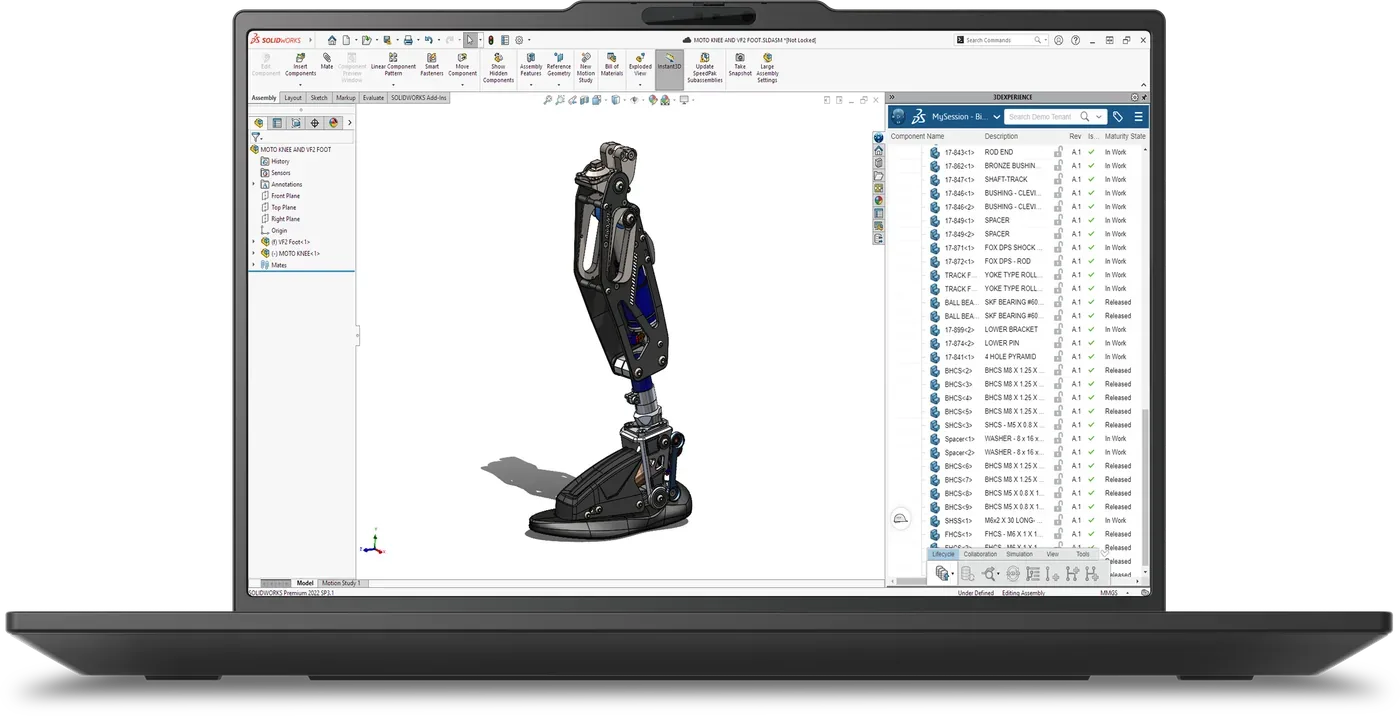
Up to NVIDIA RTX PRO 2000 Blackwell Generation Laptop GPU, 8 GB
Modular LPCAMM2 memory, up to 96 GB at 8533 MT/s*
Up to AMD Ryzen AI 9 HX PRO 470, up to 5.2 GHz
The AMD version of the 16-inch P16s pairs a Ryzen AI 9 HX PRO 470 with up to 12 cores with a discrete NVIDIA RTX PRO 2000 Blackwell GPU with 8 GB of memory. The memory is modular LPCAMM2, up to 96 GB at 8533 MT/s, and the 16-inch display options include 2.8K OLED with Dolby Vision, HDR 1000 True Black and X-Rite factory color calibration.
Up to AMD Ryzen AI 9 HX PRO 470, up to 12 cores, up to 5.2 GHz
Up to NVIDIA RTX PRO 2000 Blackwell Generation Laptop GPU (8 GB)
Modular LPCAMM2, up to 96 GB at 8533 MT/s*
Multiple 16" screen options including 2.8K OLED with Dolby Vision, HDR 1000 True Black and X-Rite factory color calibration
Modular memory is the future-proofing argument for this model, because you can buy a P16s AMD with a smaller configuration now and take it to 96 GB later, so the machine keeps pace as the models grow.
Prep data with the whole corpus held in memory instead of paged from disk.
Train compact models and run CUDA experiments on the RTX PRO 2000.
Run inference and demos on a factory-calibrated OLED.
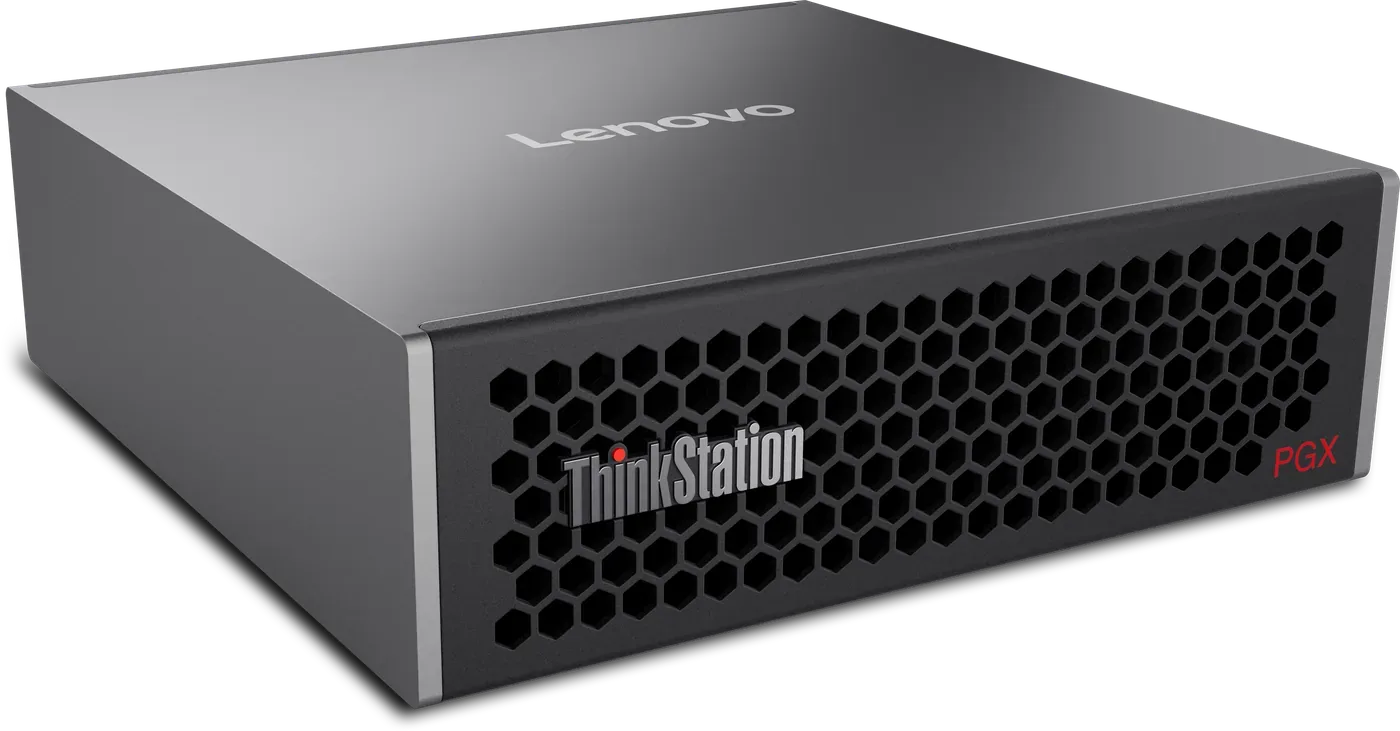
NVIDIA GB10 Grace Blackwell Superchip
Unified system memory
Up to 4 TB of local storage
The PGX is the first Lenovo P Series device built on the NVIDIA Grace Blackwell architecture, and it is designed to work alongside the workstation you already have. Inside is the NVIDIA GB10 Grace Blackwell Superchip with 128 GB of unified system memory, up to 4 TB of local storage and NVIDIA ConnectX-7 networking to cluster two units, all in a compact, energy-efficient box. It ships with NVIDIA DGX OS, the NVIDIA AI software stack, PyTorch and Jupyter already set up, so it feels familiar from the first day.
NVIDIA GB10 Grace Blackwell Superchip
128 GB unified system memory
Up to 4 TB local storage
NVIDIA ConnectX-7, for clustering two devices
NVIDIA DGX OS, NVIDIA AI software stack, PyTorch, Jupyter notebooks (preconfigured)
Compact, energy-efficient companion device
The PGX gives you a controlled sandbox for prototyping, fine-tuning and inference that plugs into the workstation setup you already have and adds a lot of compute to it. When one unit isn't enough, two PGX units cluster over ConnectX-7, and because it runs the same NVIDIA software stack as the data center, the project carries straight on.
Prototype on the NVIDIA AI software stack with 128 GB of unified memory for the model.
Fine-tune on your own data in a sandbox that never leaves the office.
Run inference locally for developers, researchers and students who want scalable AI without the cost and complexity of cloud infrastructure.
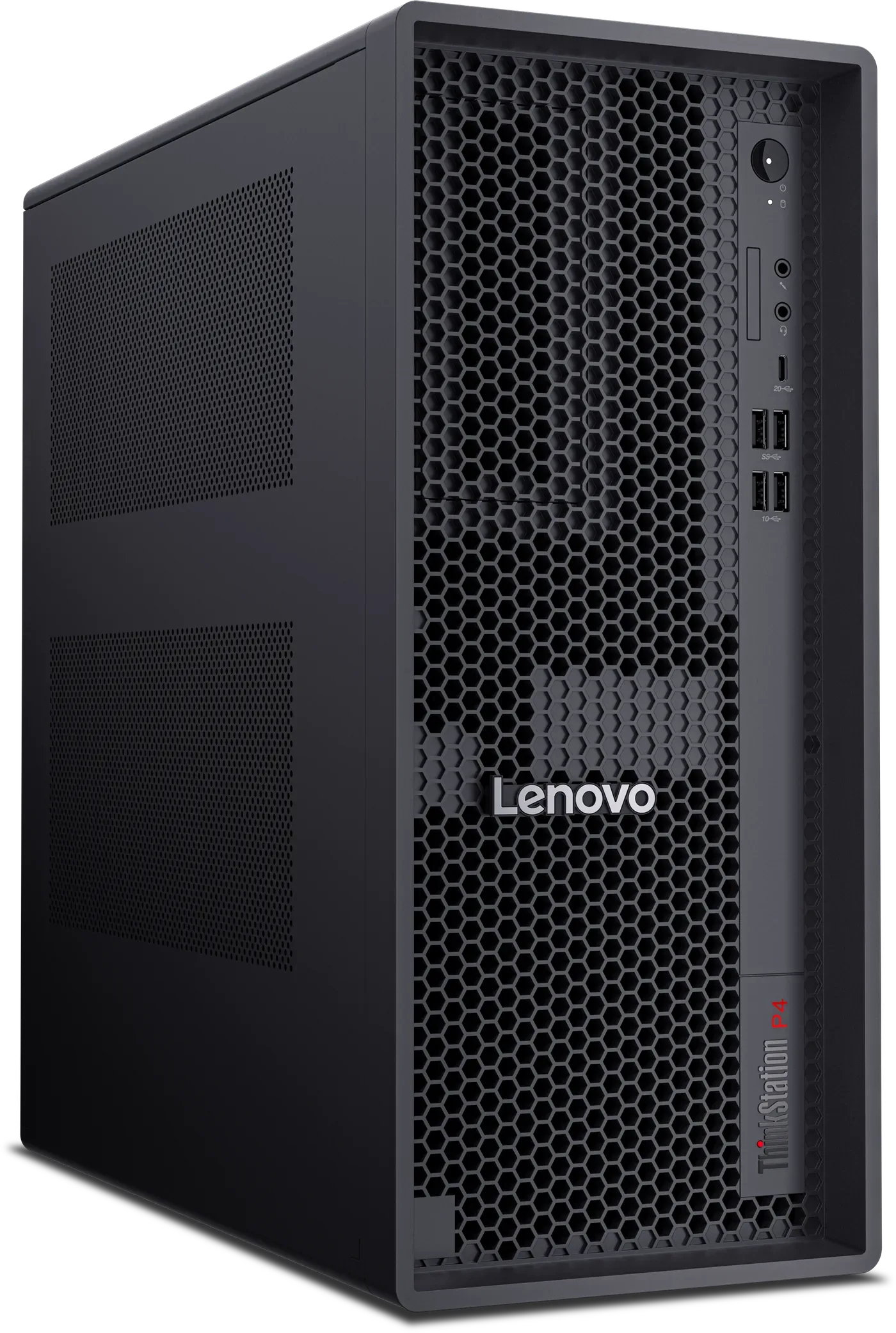
GDDR7 ECC VRAM, up to NVIDIA RTX PRO 6000 Blackwell Workstation Edition
Up to 256 GB DDR5 at up to 6400 MT/s*
Up to AMD Ryzen 9 PRO 9965X3D, up to 5.5 GHz
The P4 is a tower built around one very large GPU, up to an NVIDIA RTX PRO 6000 Blackwell Workstation Edition with 96 GB of GDDR7 ECC VRAM. Around it sit up to 256 GB of DDR5 at up to 6400 MT/s and an AMD Ryzen 9 PRO 9965X3D with up to 16 cores at up to 5.5 GHz, and an advanced liquid cooling design supports up to 170 W TDP.
Up to AMD Ryzen 9 PRO 9965X3D, up to 16 cores, up to 5.5 GHz
Up to NVIDIA RTX PRO 6000 Blackwell Workstation Edition (96 GB GDDR7 ECC VRAM)
Up to 256 GB DDR5, up to 6400 MT/s*
Advanced liquid cooling design supports up to 170 W TDP
Ninety-six gigabytes of ECC video memory on one card means a large language model or a high-resolution vision model fits without being split across GPUs, and because the memory is error-correcting, a multi-day run won't be quietly ruined by a flipped bit.
Do the feature engineering with 256 GB of system memory to play with.
Train and fine-tune large models held entirely in 96 GB of ECC VRAM.
Serve inference to the whole team from a single tower.
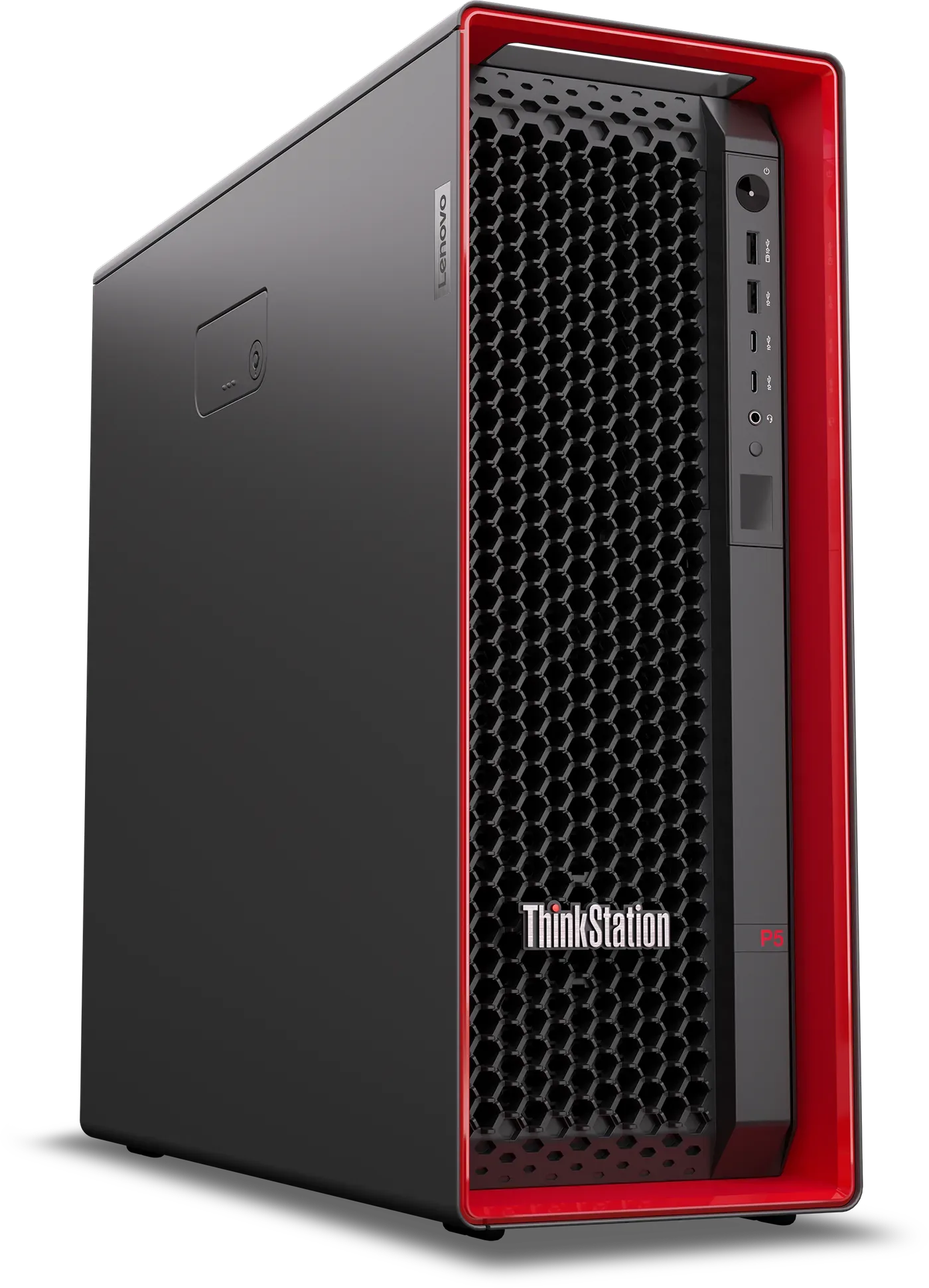
Up to two NVIDIA RTX 6000 Blackwell Max-Q Workstation Edition GPUs
Up to 1 TB DDR5 6400 MT/s memory
Intel Xeon 600 processors for workstation, up to 4.9 GHz
The P5 Gen 2 is the dual-GPU tower of the range and the one you buy for training. It pairs Intel Xeon 600 processors for workstation with up to 48 cores at up to 4.9 GHz with up to two NVIDIA RTX 6000 Blackwell Max-Q Workstation Edition GPUs and up to 1 TB of DDR5 6400 MT/s memory. Seven drives with flexible storage options take it up to 52 TB, so even the biggest datasets stay local, inside the tool-less ThinkStation chassis co-designed with Aston Martin.
Intel Xeon 600 processors for workstation, up to 48 cores, up to 4.9 GHz
Up to two NVIDIA RTX 6000 Blackwell Max-Q Workstation Edition GPUs
Up to 1 TB DDR5 6400 MT/s
7 total drives for flexibility, supporting up to 52 TB
Two RTX 6000 Blackwell GPUs and a terabyte of memory handle the model, while the 52 TB across seven drives handles everything around it, from raw data and versioned datasets to the checkpoints from every run, so nothing has to be pushed out to object storage and pulled back before you can work on it.
Prep the whole corpus with 1 TB of system memory and 48 Xeon cores.
Train and fine-tune large models across two RTX 6000 Blackwell GPUs.
Serve inference at team scale, or use it as a local proving ground before the data center.
Lenovo workstations work best with ThinkVision P Series monitors.
An AI workstation spends its day showing dense data, code, generated images and dashboards, and the monitor is the one part of the setup a developer stares at for hours, so our advice is to pair every ThinkStation and ThinkPad P Series on this page with a ThinkVision P Series Gen 40 and make the display side of the setup as serious as the compute side.
All seven Gen 40 models share the four things that matter for a day of AI work.
Every model ships with an average Delta E under 2, so the colors on screen are the colors in the file. The 27-inch and larger panels cover 98% of DCI-P3, and the two 24-inch models cover 99% of sRGB.
Variable refresh up to 120 Hz on every model, which you notice the first time you scroll through a long training log or a wide dataframe.
The five D models dock a ThinkPad over one USB-C or Thunderbolt 4 cable, which carries video, USB, a 2.5GbE network connection and up to 140 W of power. A KVM switch lets one keyboard and mouse serve a second machine.
All seven carry Eyesafe 2.0 and TÜV Rheinland Eye Comfort certification, which matters when the screen stays on from the first notebook of the morning to the last log of the evening.
Which one goes on which desk.
The model name mostly tells you. The number is the size, W means ultra-wide, U means 4K, Q means QHD, and a D at the end means the monitor docks a laptop.
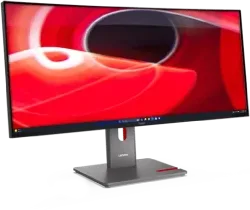
A notebook on the left, training curves or model output on the right, and no bezel down the middle. This is the pick for anyone who wants to keep a training job in view while working on something else.
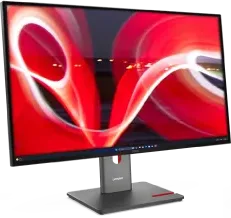
Dense dashboards, generated images at their native resolution, four terminals side by side on one screen. This is the pairing we show for the P5 Gen 2 and the P4 below, and the one to choose when review work is a large part of the day.
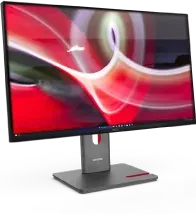
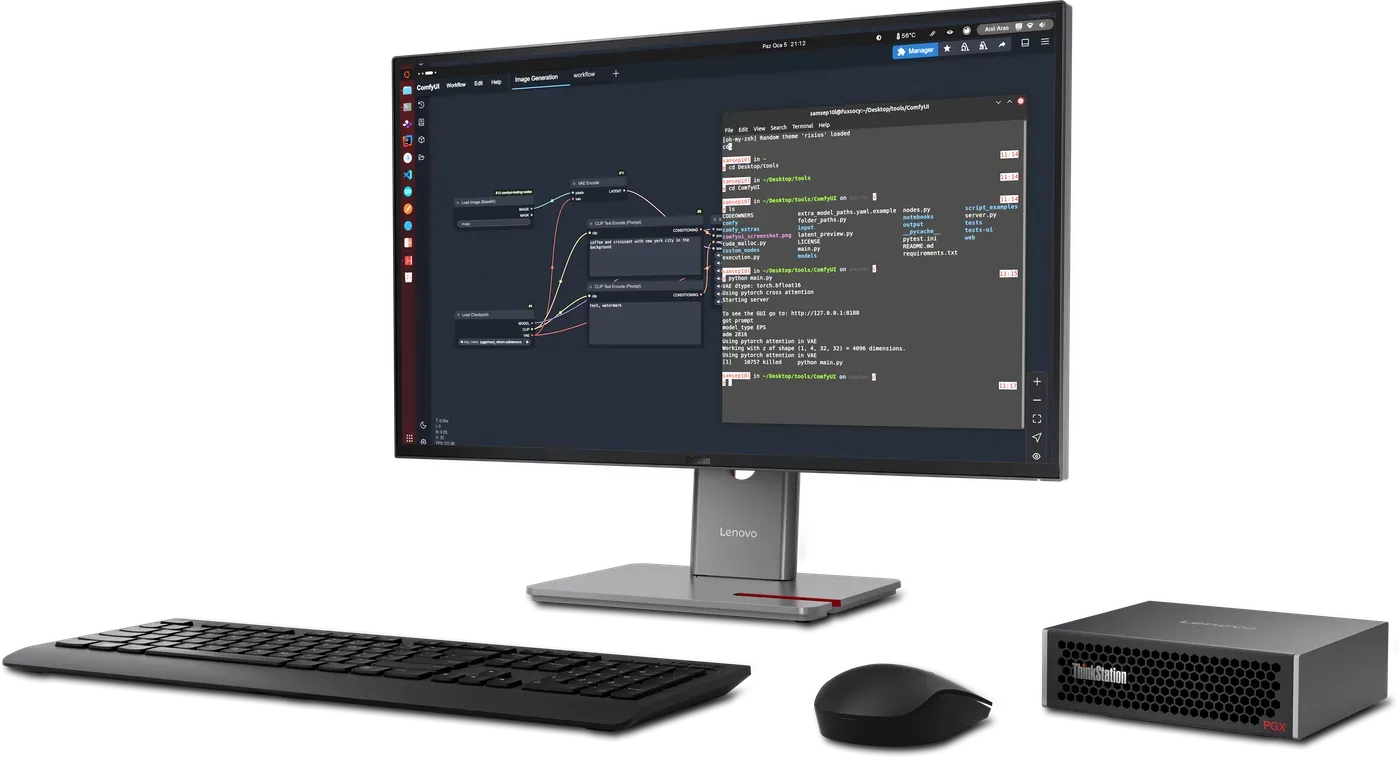
Data prep, notebooks, a second screen, shared desks. Take a D model when a ThinkPad will plug into it, and the plain Q model for a tower that brings its own ports. The P27QD-40 is the one sitting next to the PGX in the photo above.
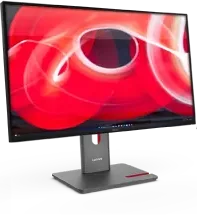
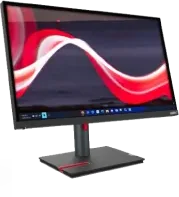
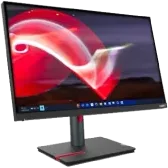
A training run gives you a lot to watch at once, from loss curves to GPU load to the logs themselves, and a 31.5-inch 4K panel holds all of it at a readable size.
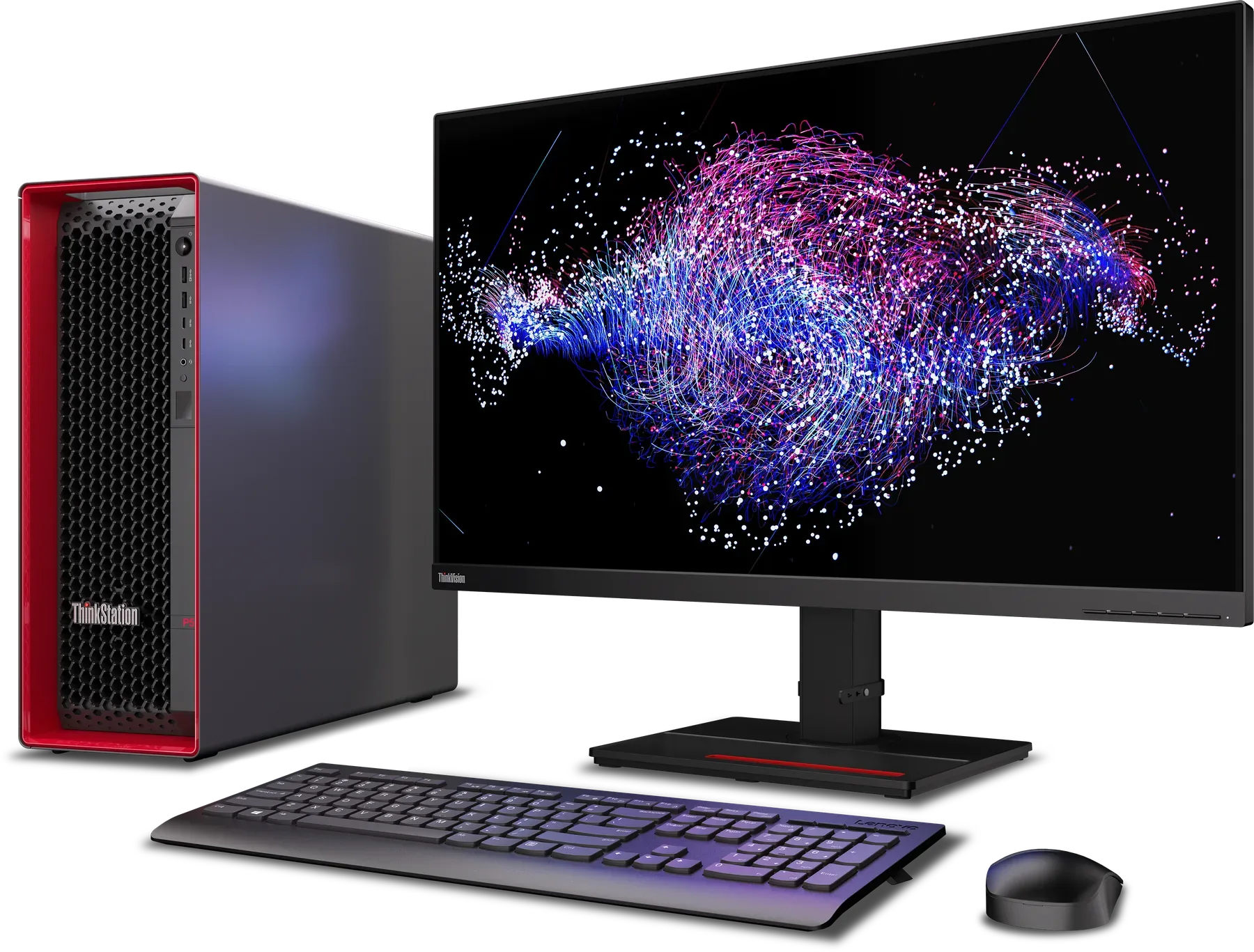
The P4 spends its days fine-tuning and serving, so the review work is looking at outputs, and 4K at 98% DCI-P3 with a Delta E under 2 means the image you review is the image the model produced.
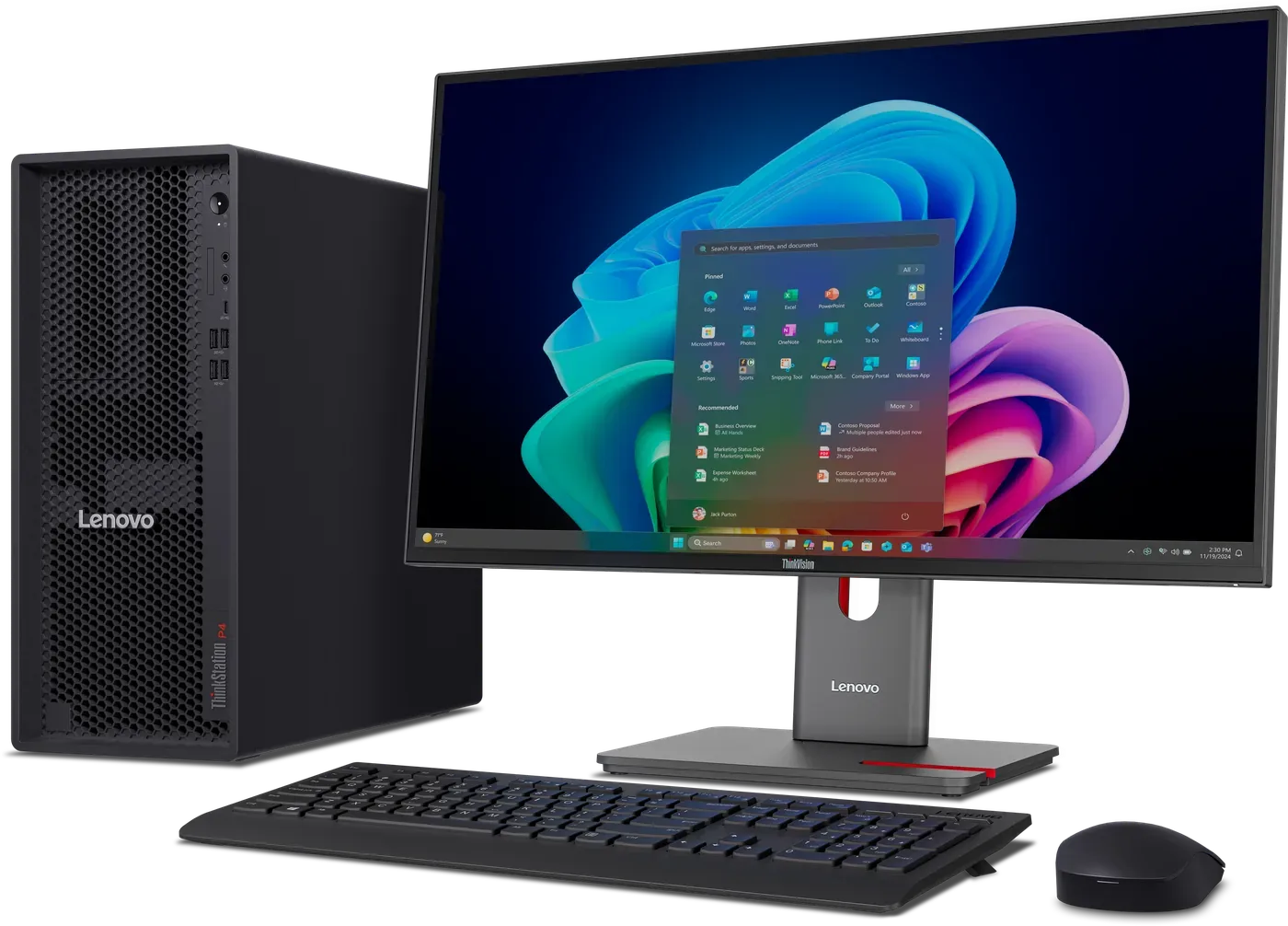
The PGX sits next to a workstation you already have, which is exactly what the P27QD-40's KVM switch is for: one keyboard and mouse shared between both machines, and a swap at the press of a button.
Where to buy?